*2023 Update: With rising shipping costs and a flooded market of competition, we’ve discontinued this product for the time being.*
With the Video Game Museum collection steadily growing, we’ve been working on our methods for preserving our collection. Just like collecting comic books and baseball cards, a good collection has to be handled with care and properly protected.
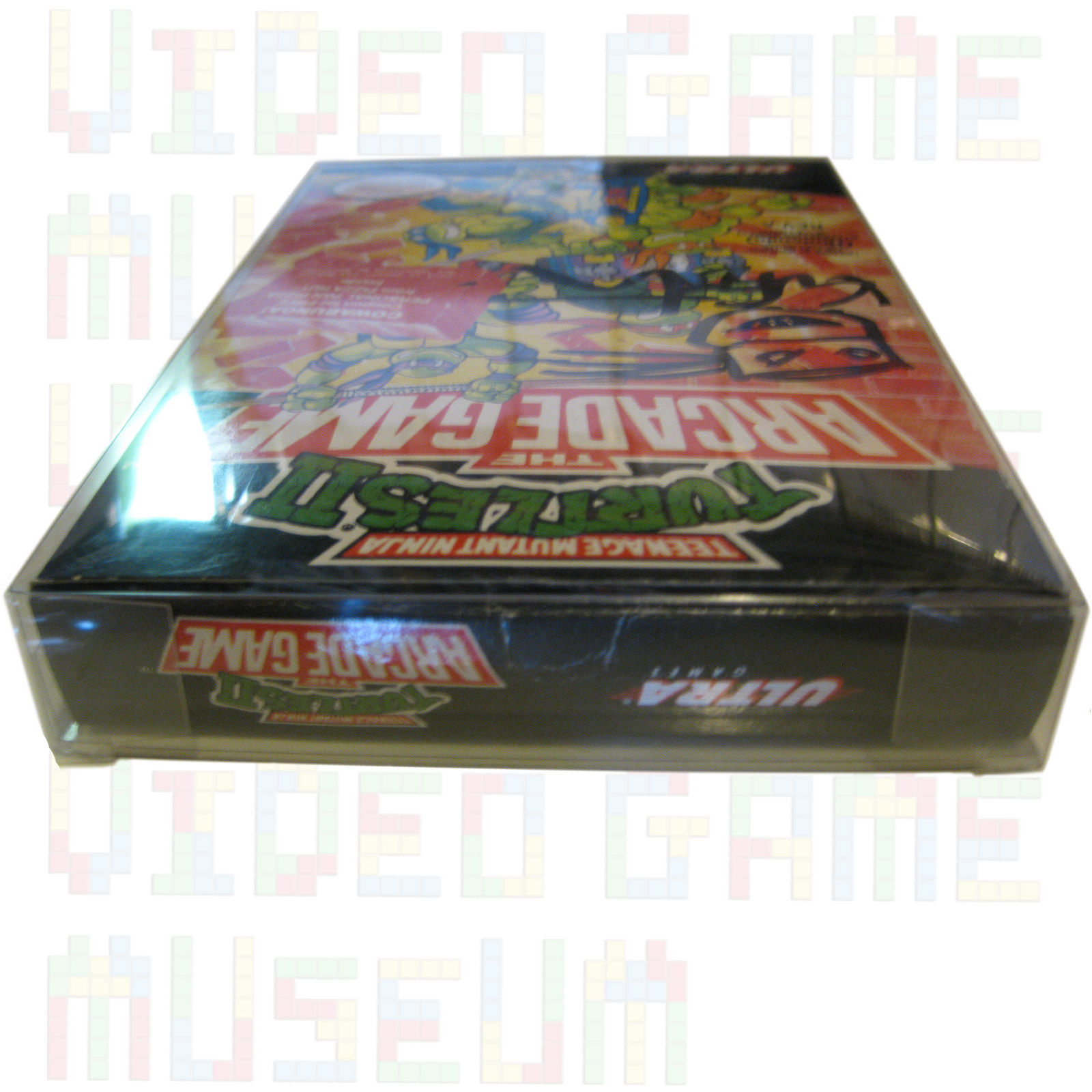
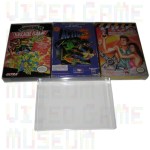
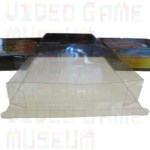
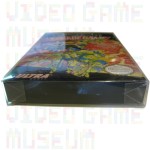
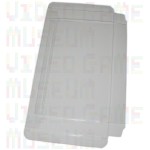
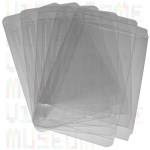
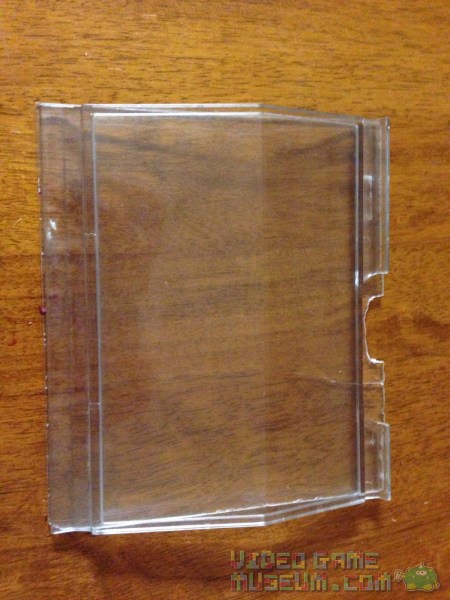
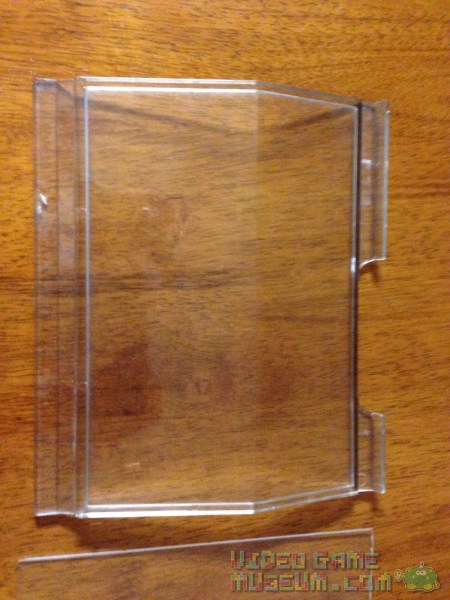
Our goal at VideoGameMuseum.com is to provide the best repair tools and preservation materials possible to retro gamers. With that in mind, we’ve custom designed custom NES, SNES & N64 box protectors to beautifully fit and protect original game boxes. They fit in smoothly and snugly with just enough extra empty space for the best protection. (Certain NES games from independent manufacturers like Color Dreams run larger and won’t fit.) These cases are perfect for protecting your favorite boxed and sealed original Nintendo NES, Super Nintendo, and Nintendo 64 games. Cool thing is that SNES & N64 game boxes are the same size, so that model will work for both boxes. See photos for a closer look.
QUALITY FEATURES:
Archival Grade PET Plastic
Strong 12 Gauge Thickness
Locking Tab Design
Crystal Clear Clarity
Scratch-Resistant Coating
Acid Free Plastic
BPA, Lead & Phthalate free
VIDEO GAME MUSEUM ARCHIVAL QUALITY: Each of our boxes is Video Game Museum branded so that you know you’re getting the highest quality product possible. These are manufactured in Canada using materials created in the USA. (Most other sellers cut corners by buying from Chinese suppliers and cannot guarantee our level of production or material quality. That’s not a risk we want to take with our collection, so we want to offer only the best to our customers’ collections.)
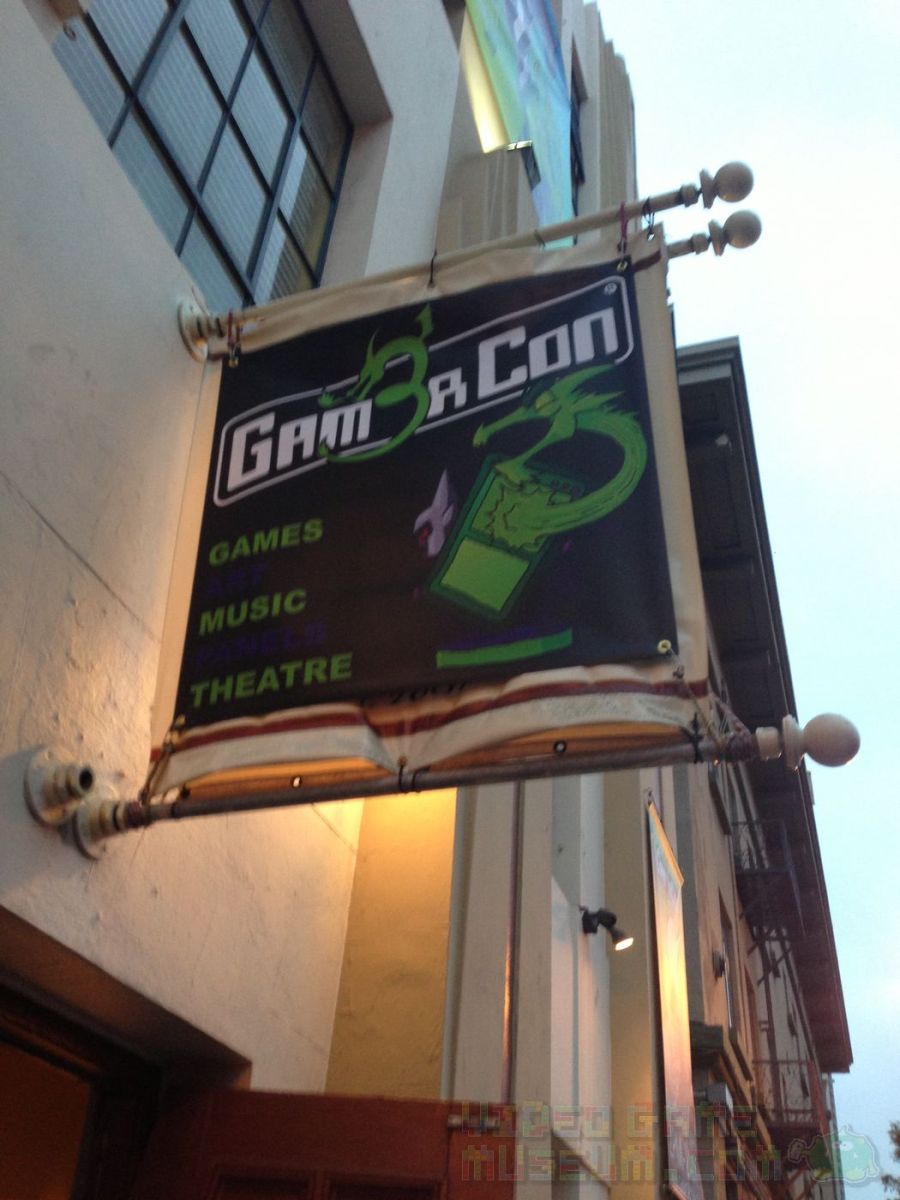
San Diego Comic Con is a beast.? It’s the biggest, baddest giant in town.? Yet, surprisingly, growing between its toes is an event called Gam3rCon!? Rather than withering in SDCC‘s shadow, Gam3rCon is thriving!
In some ways, I scratch my head that there are gamers who live in the San Diego area and don’t attend Comic Con.? Some are just not interested, or they’re interested but couldn’t get a ticket.? Others would attend SDCC but hate all the hype and crowds.
That’s where Gam3rCon comes in.? It’s small. It’s gaming.? It’s not Comic Con.? This was our first year to check it out, and I have to say I was impressed!
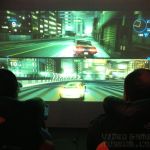
Ok, so Gam3rCon is small and independent…but not really that small.? These guys and gals rent out a five story building and pack it with an insane amount of content.? Upon entering, a gamer walks into an old church sanctuary that has been converted to a shrine to gaming with dozens of Xbox 360s and PS3s.? Shooters, fighters, and DoTA seemed to dominate the scene, while a driving simulator was projected on the wall.
All the while, upstairs is a retro gaming room complete with Atari, NES, SNES, N64, Dreamcast, PS2 and a freak’n rad Fairchild Channel F!? Yup, that’s the room where I parked for a bit.
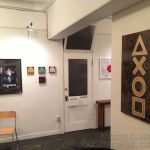
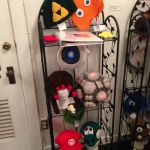
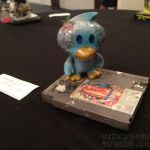
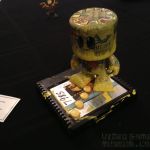
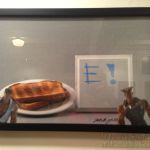
Down the hall is an art gallery with some solid works of art, and if you’re interested in creating your own art, we spotted some graffiti and silk screening going on as well.? Did we mention the huge, green-screen photo booth for those of us who are less than artistic?!? Check out our interview with Mr. Benja from The 8-bit Cubist for more on that art gallery:
If tabletop gaming is more your thing, there was plenty of that going on in the tabletop gaming lounge.? Up on the roof was pizza and comedy.? Add to that film screenings and a bunch of other stuff that we probably didn’t even find, and there’s something for everyone.
If you’re thinking about doing both San Diego Comic Con and Gam3rCon, we wish you all the best.? Both are great and worth checking out.? As a pretty active guy in his 30s, I was hurting after packing both into one day.? If they were staggered by a week or two, I would have loved spending more time at both.? Yeah, I know, cry me a river, right?
Regardless, I’m stoked that there is one more gaming option in Southern California.? Best of all, this small, independent gaming con is thriving!? Game on!
Check out the gallery below for a closer look at Gam3rCon.
Back in 2007, I spotted an abandoned Dreamcast kiosk along the side of the road. I seriously debated throwing it in my Honda Accord and taking it back to my tiny beach apartment. Space for surfboards and a fear of scaring my new female roommate won out. Unfortunately, I kept driving. I’ve been kicking myself ever since.
Since then, with 200+ titles in my beloved Dreamcast collection, I’d been scouring eBay and Craigslist for just such a gem. Unfortunately, these often pop up out of state, and shipping would cost as much or more than the kiosk is worth.
Several weeks ago, lady luck looked down on me. Sure enough, a listing popped up on eBay, and it was here in San Diego! I quickly messaged the seller about local pickup options and then realized that he might also be listing it on Craigslist. Sure enough, it was on Craigslist too, and we were able to arrange the sale. Best part about buying locally was that I was able to connect with another fellow collector.
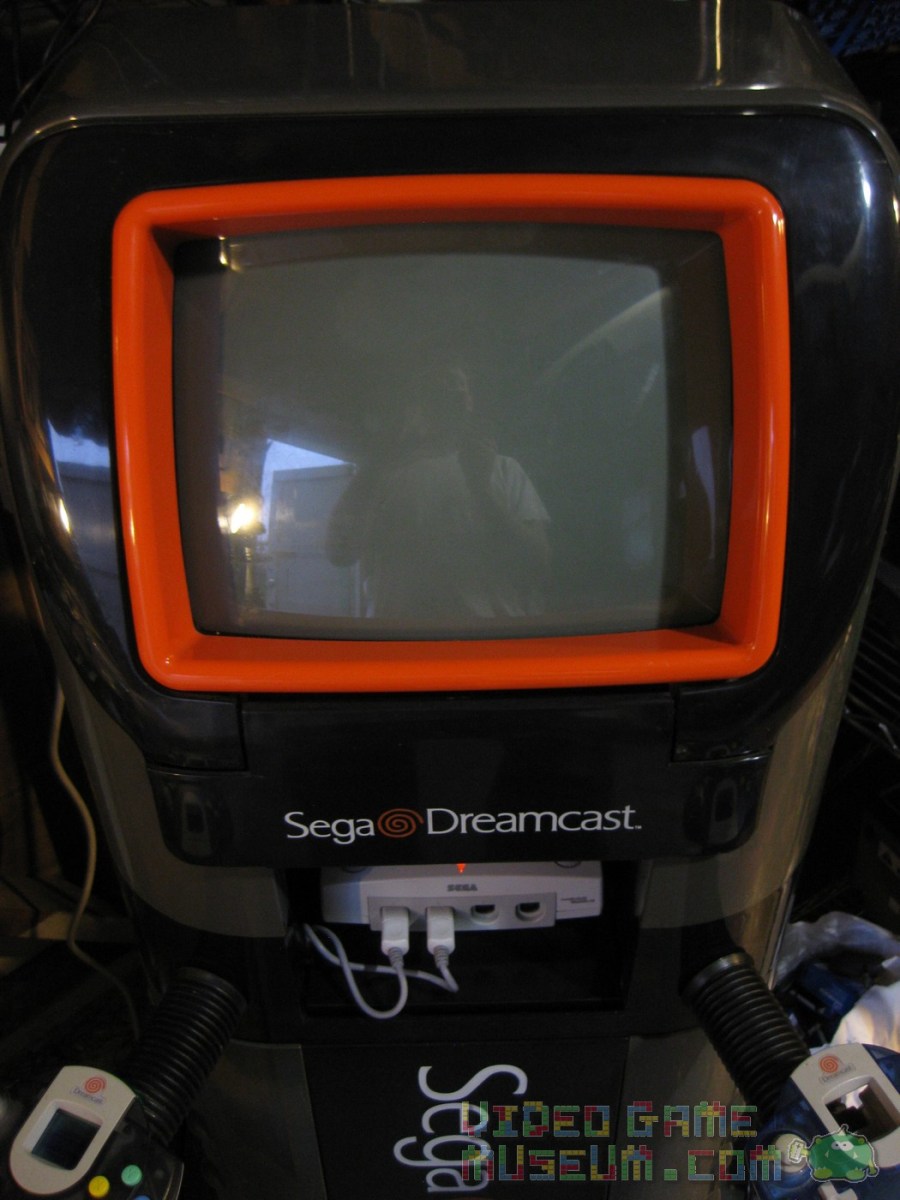
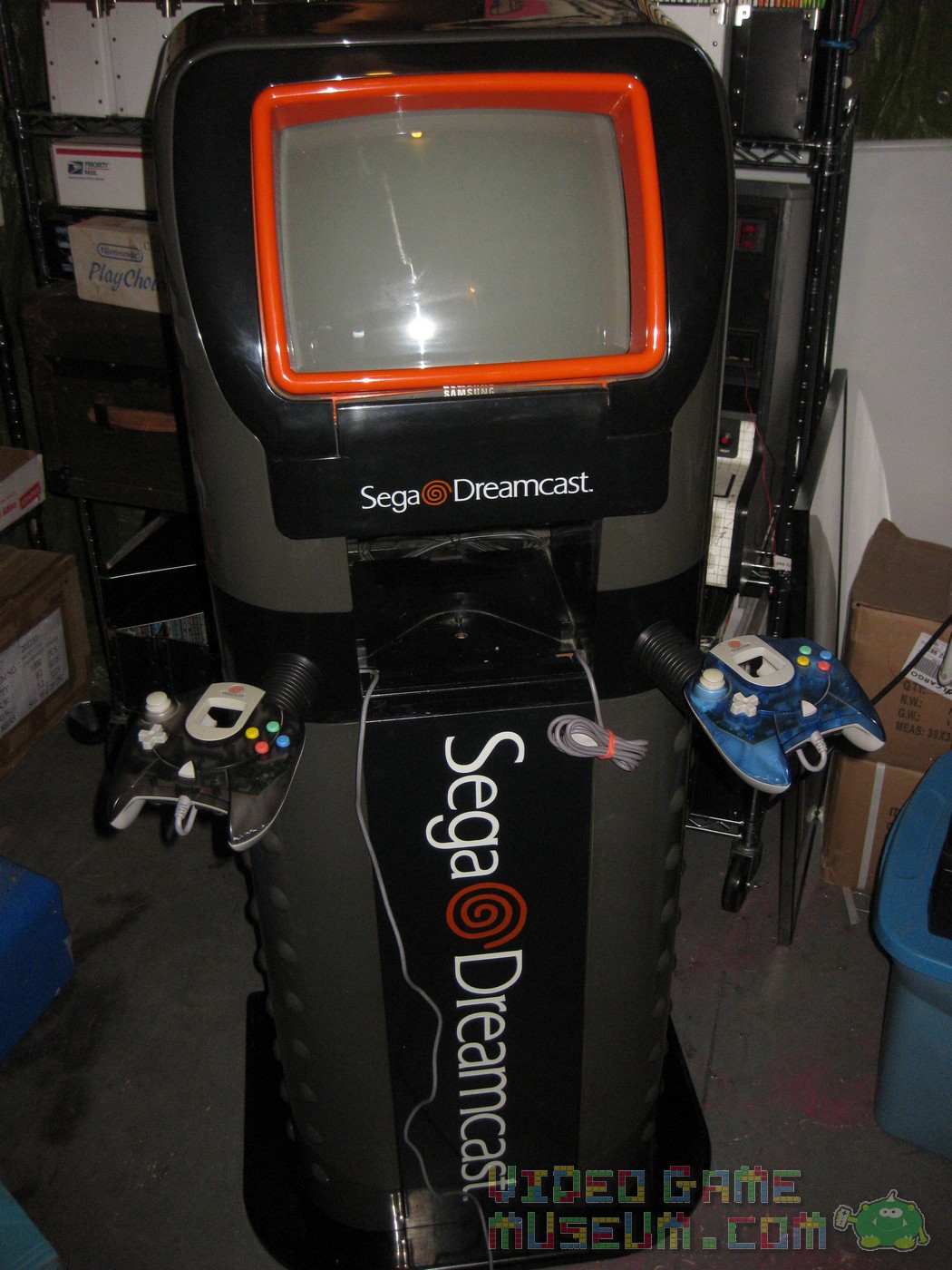
Ok, let’s take a look at this fantastic store display unit!
If you’re a stickler for details, I believe these units originally had white controllers. However, I think it looks great with the translucent ones.
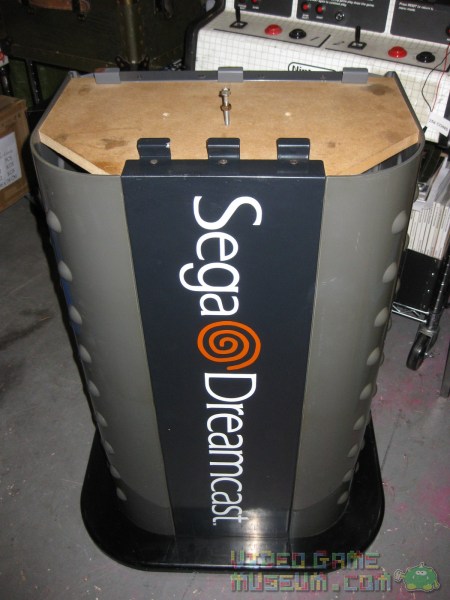
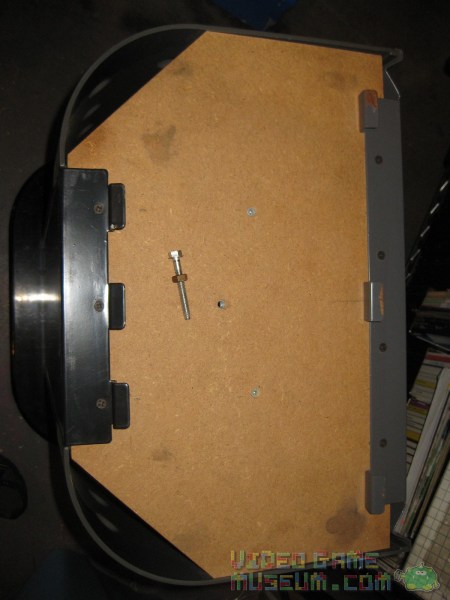
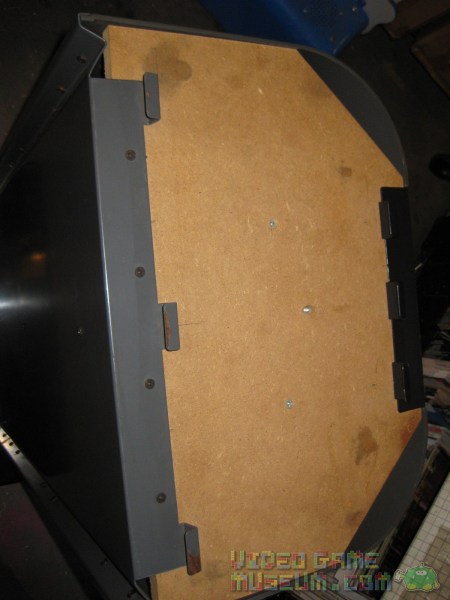
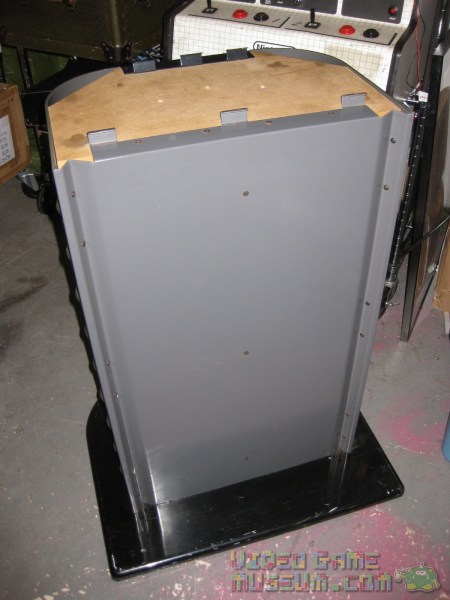
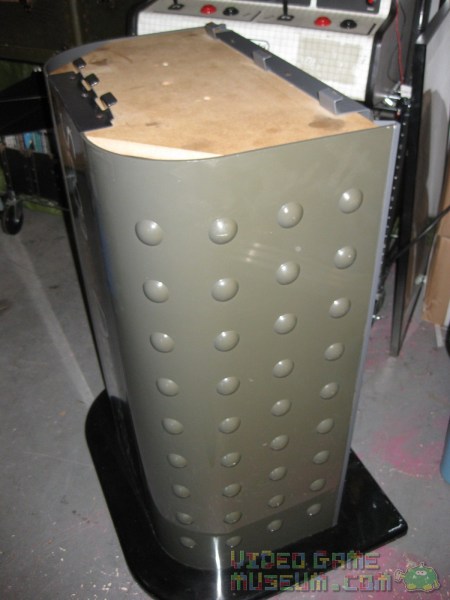
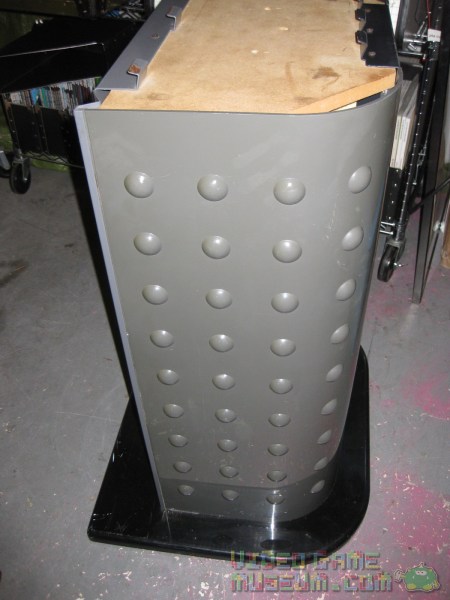
The gaming unit sits on the top of a custom base that interlocks with the main unit by a series of metal tabs and a machine screw. It’s no big deal that this screw was missing as I easily found an appropriate screw in our workshop.
You can see how the metal tabs on the top of the stand slide into the base of the top unit.
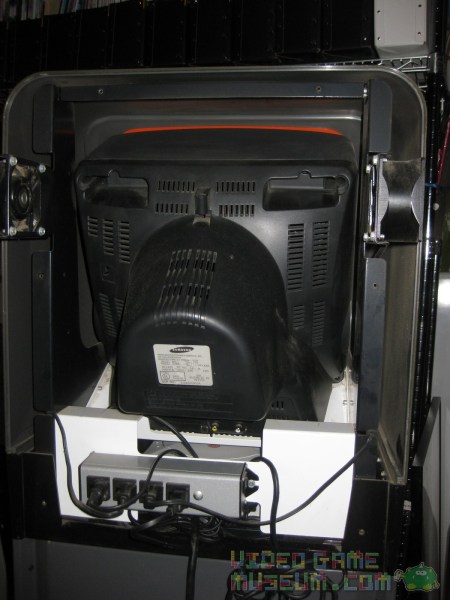
I removed the back of the kiosk to take a look inside and to clean it up.
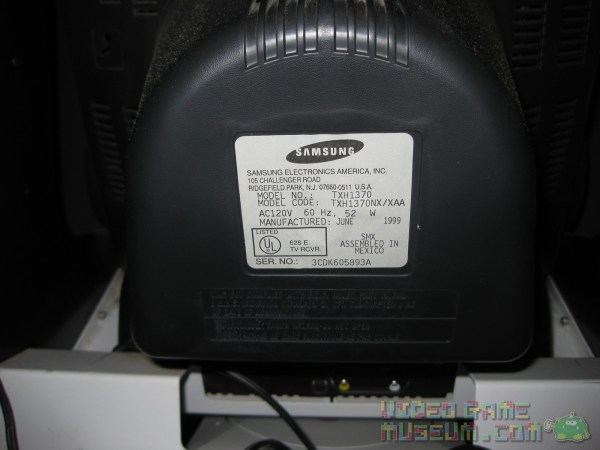
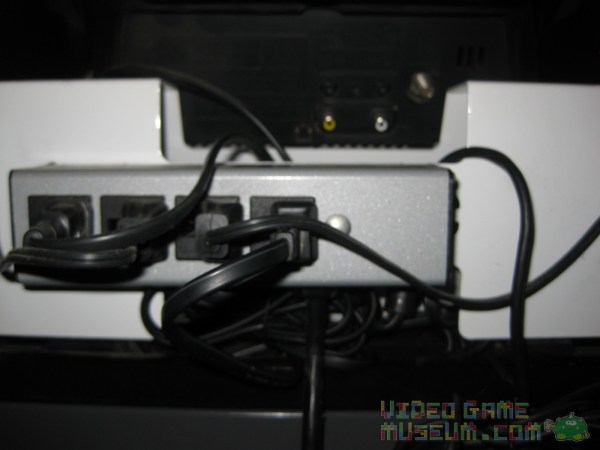
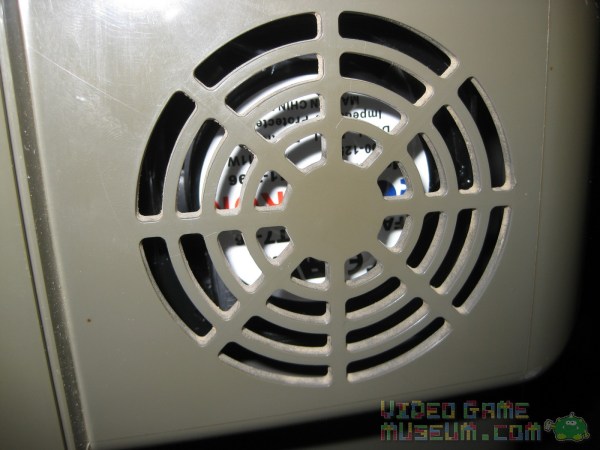
What’s surprising is that inside the unit is a standard Samsung TXH1370 CRT TV. For a VGA-capable system, it seems like the kiosk should have been designed to included a computer monitor or a nicer TV to show off the insane graphic potential of this system. The system plugs directly into the TV with just the standard composite video cable and mono sound. The unit doesn’t seem to feature an external power switch. Instead, you simply power on the kiosk by plugging in its 4-receptacle power strip / surge protector. Each receptacle is used for the following: Dreamcast console, TV, left fan, right fan.
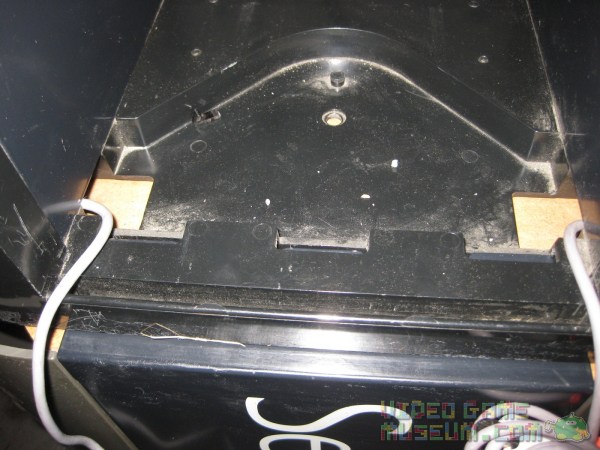
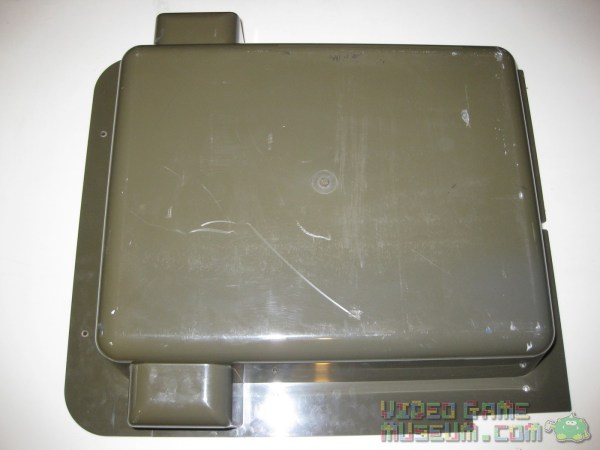
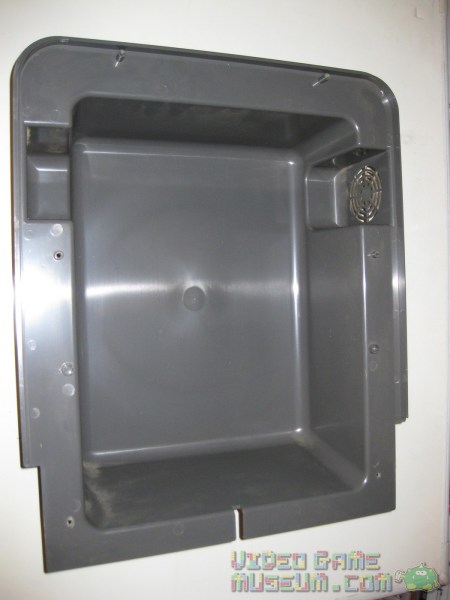
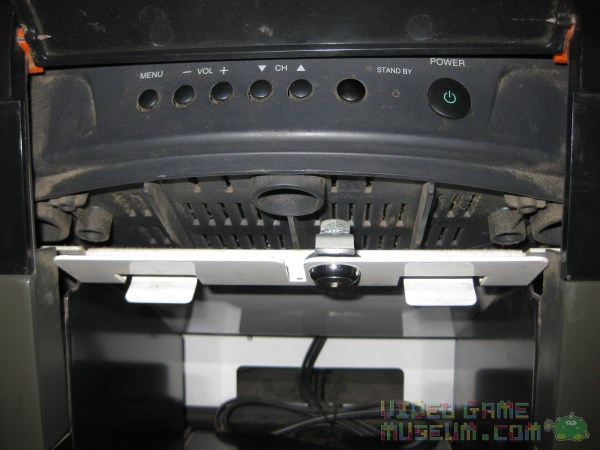
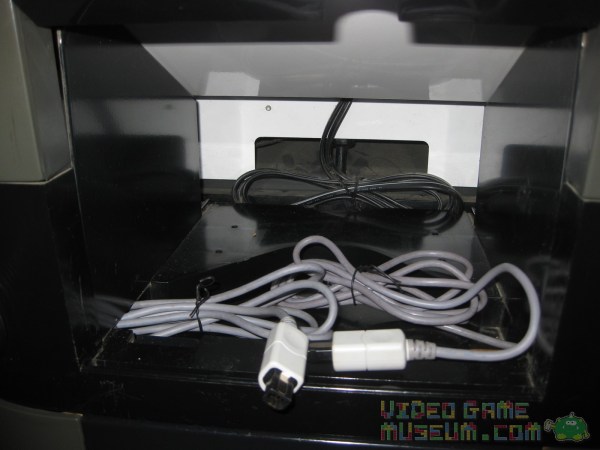
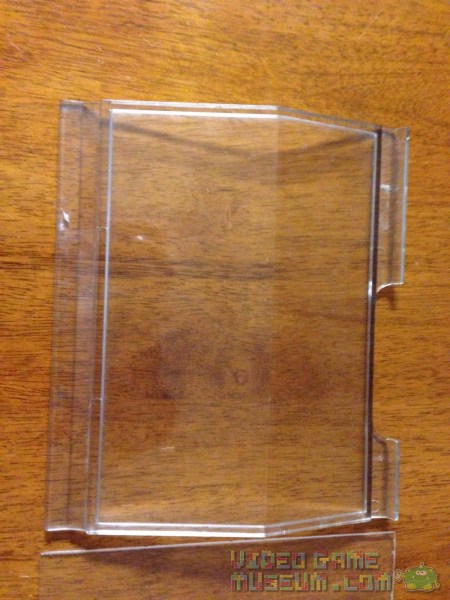
The Dreamcast system is accessible through a removable plexiglass door on the front of the system (see below for more info). The base of the compartment is recessed for controller cable routing and for the machine screw that interconnects the top unit to the stand. The TV’s controls are hidden by a plastic flap.
The system itself sits on a metal tray which raises the system up about a half an inch from the compartment floor. This helps to nicely hide the cords and keeps the system firmly in place. There is still plenty of room in the compartment for switching out games.
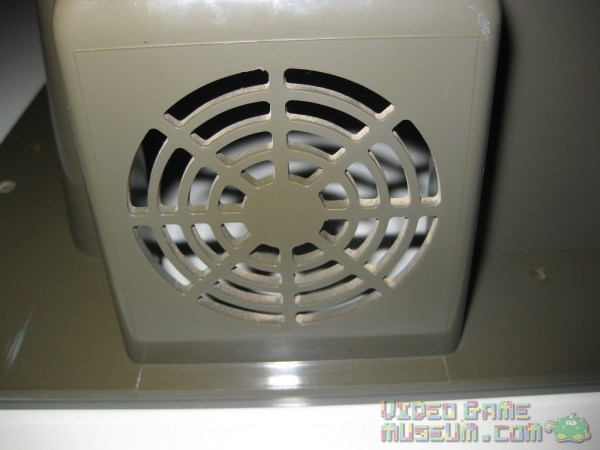
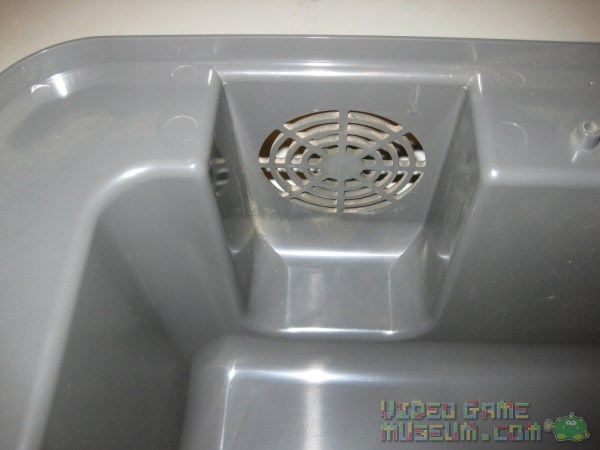
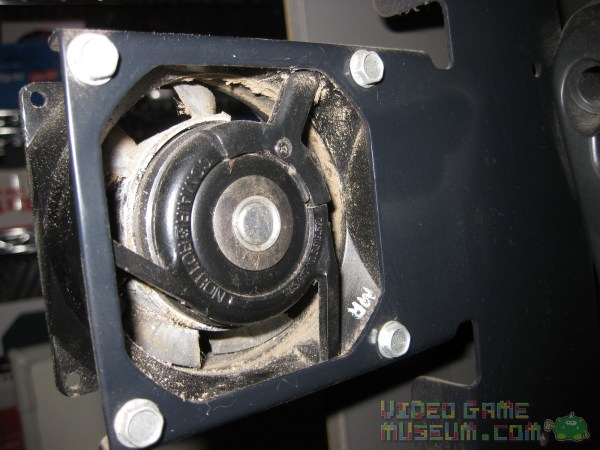
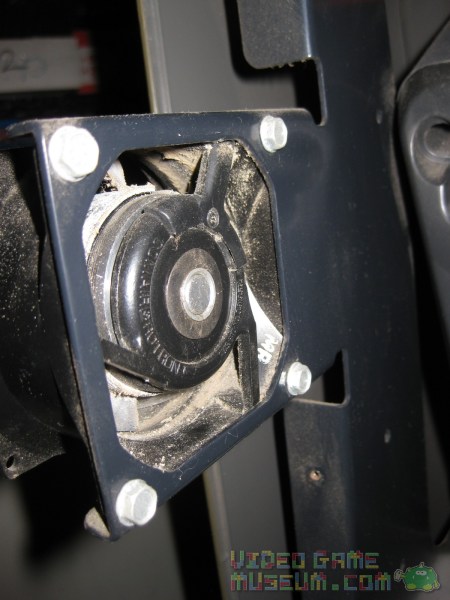
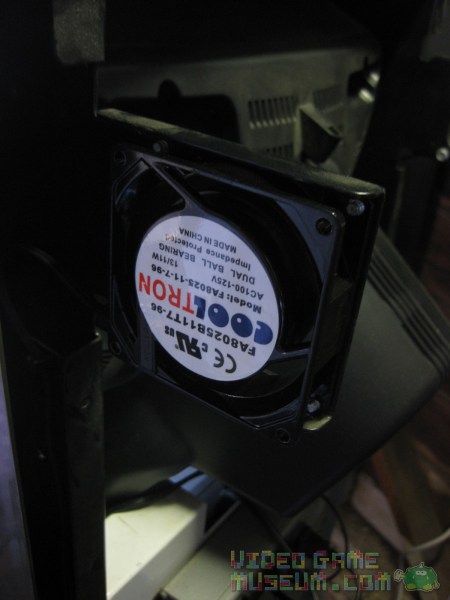
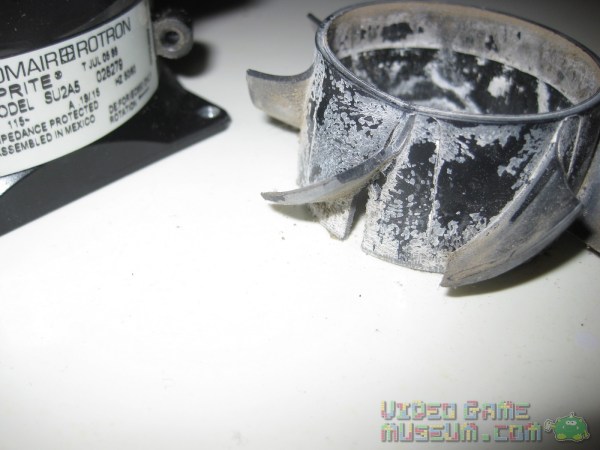
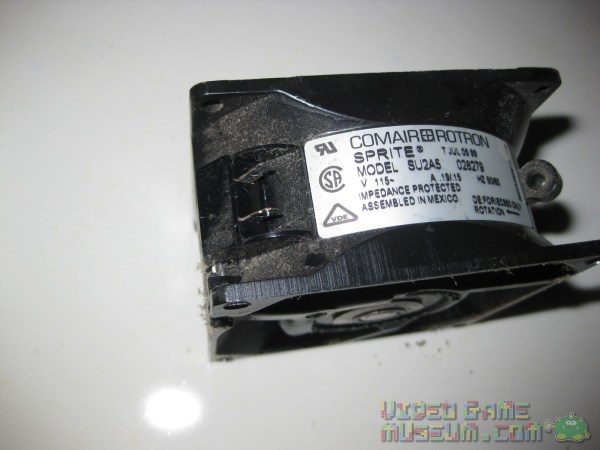
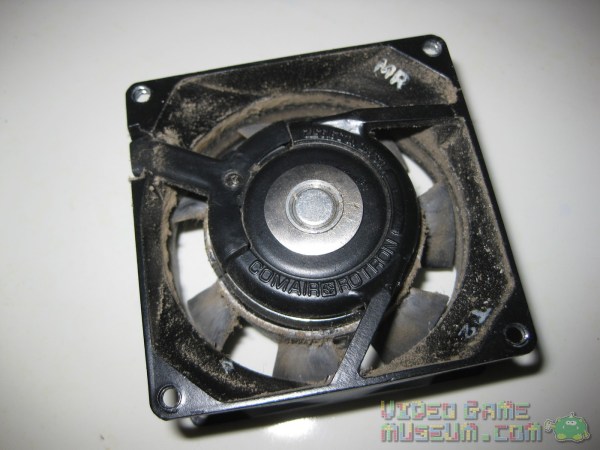
The Dreamcast kiosk is notorious for super loud exhaust fans. I pulled out one of the fans to clean it, and due to age the plastic was brittle enough that it cracked. It sounds like I have a great excuse to put in a quieter fan! Just for reference, the original fan is a Comair Rotron Sprite Model SU2A5 and is 115 volts requiring AC power.
Photographed the original plexiglass door.
Regret is a powerful motivator for collectors. After six years of kicking myself about “the one that got away,” my eyes have happy Dreamcast swirls as I gaze on my kiosk.
In case it isn’t already 100% clear, I love retro gaming advertising and display items! If you or a friend have an old kiosk, promo sign, poster, etc, please let me know. I’d love to take a look at it and to chat with you about it.
If you live in the San Diego area and love gaming, today is the last day to Game On at the San Diego Fair!? Besides all the rides, great food, pig races, and other goofy fair stuff, this year’s theme was perfect for us electronically minded folks.
Our favorite part?
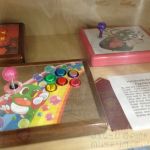
Collections!? Little did we know that the Fair allows people to display their collections.
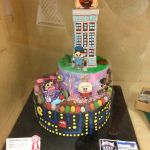
Hand-made Items!??Created by adults and students, we were blown away by the talent and creativity of these gaming-inspired creations.
Retro Arcade!? Let’s be honest, shouldn’t every fair have a retro arcade?
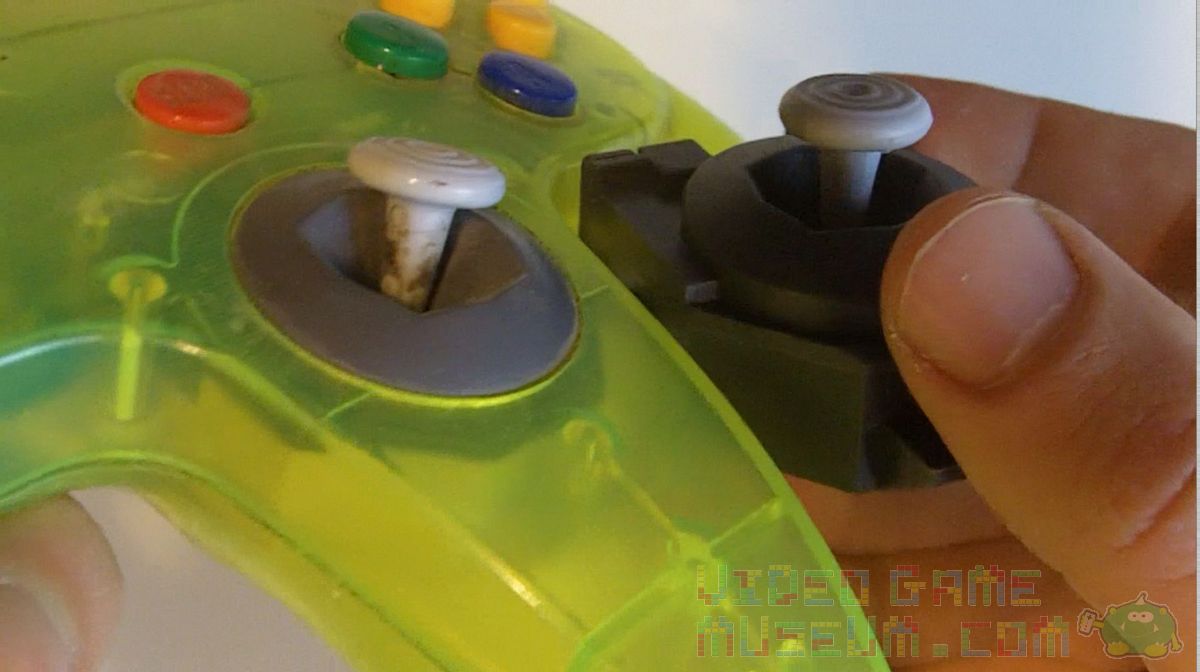
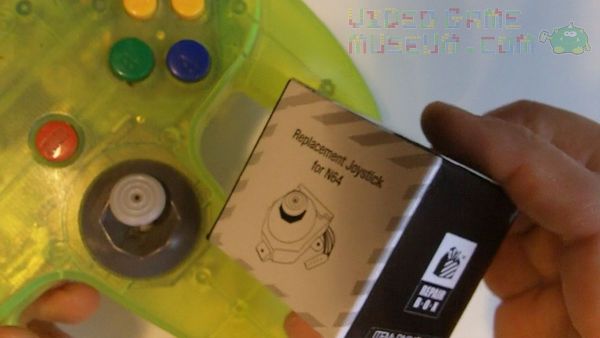
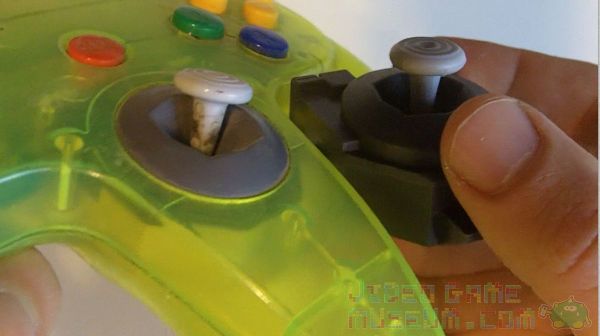
If you’ve owned and loved an N64, you probably have a few worn out joysticks. In addition to our GameCube-styled replacement N64 joystick, we’ve found an option that feels and looks a lot more like the original.
If you’ve seen our other N64 joystick repair video, this process is pretty similar. Here’s another great option! It’s made by RepairBox and seems to have a solid design. The installation is still super easy. Just make sure you have a Philips Head screwdriver handy and about 10 minutes of time.
Just let us know if you have questions, comments or any thoughts on this model of joystick.? Best of luck, and happy retro gaming!
Some kids named Quan dream about shrinking arcades and putting them in their backpacks!
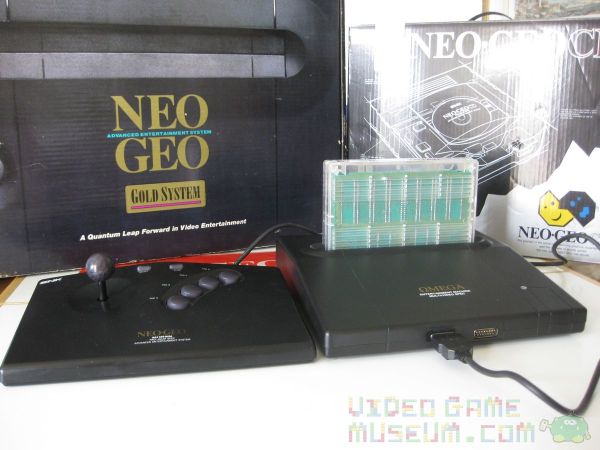
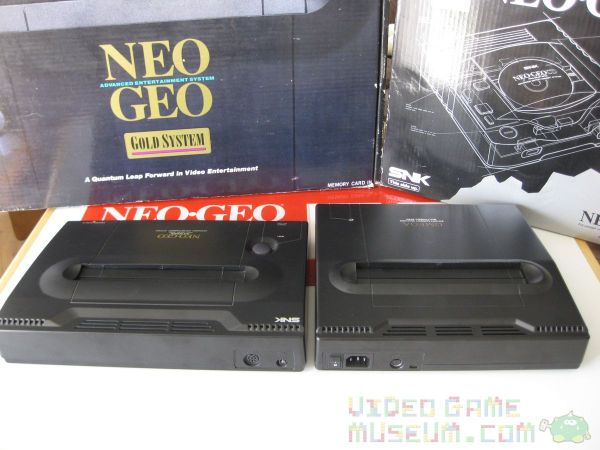
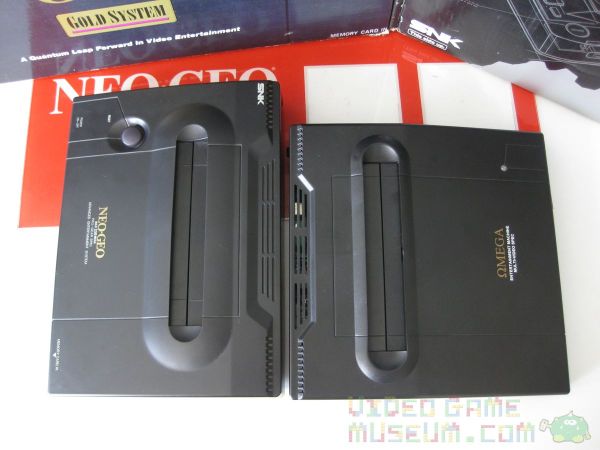
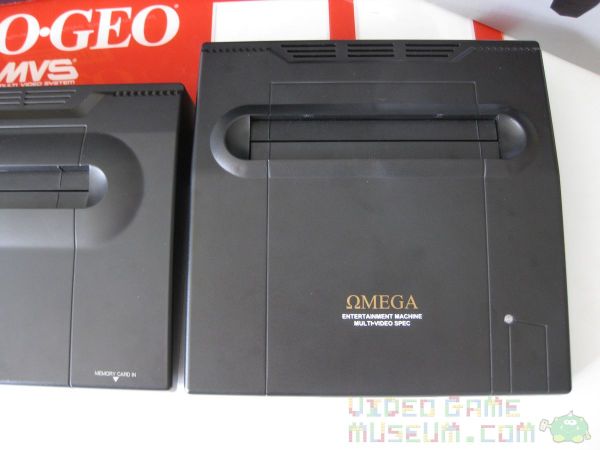
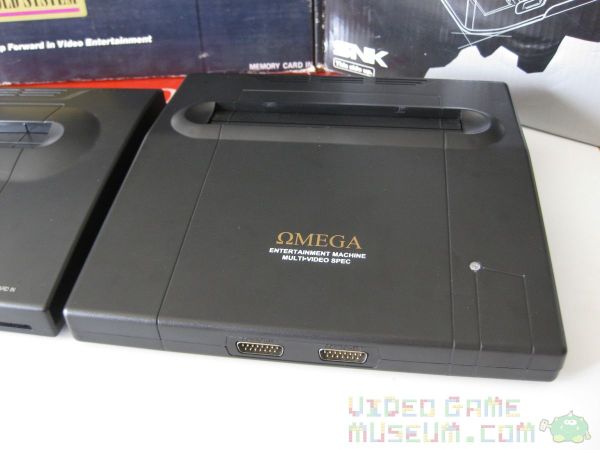
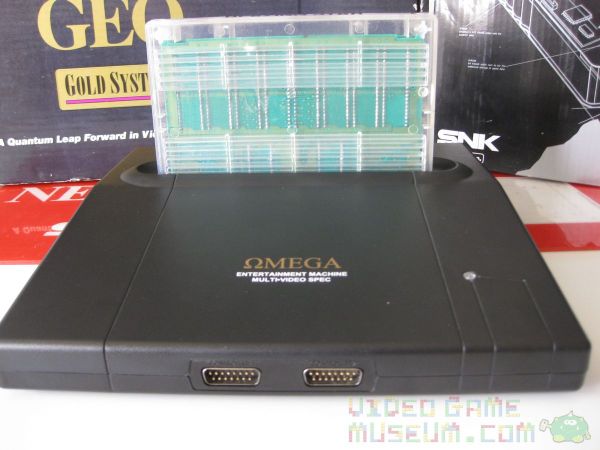
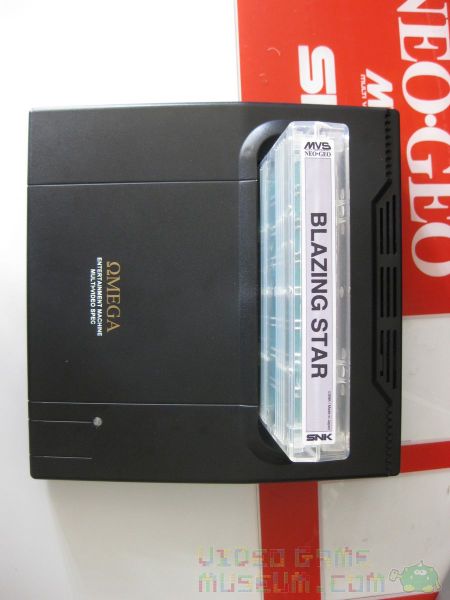
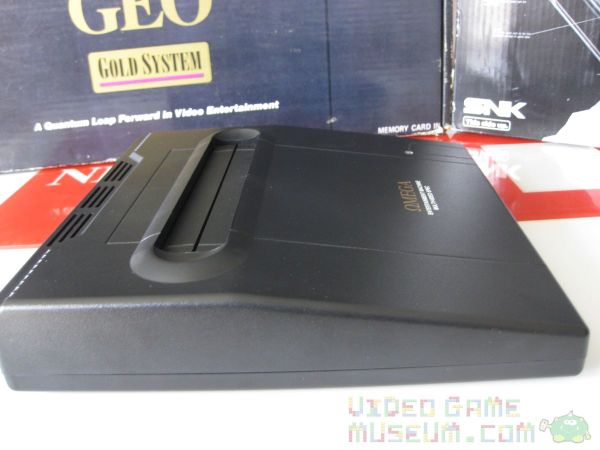
While I may have been awestruck by the Neo Geo MVS as a kid, Quan at ArcadeWorks.net took his dream to an entirely different level. He’s one of those nutty, mad-scientist guys who loves to do things to old arcade machines that even their own creators couldn’t have imagined. Plenty of guys consolize arcade machines. The Neo Geo MVS is a pretty popular consolization project. However, Quan did something that no one else has been nuts enough to do. While the one ring was being forged in the depths of Mount Doom by his elven buddies, Quan was using a bit of lava, magic, and that childhood dream to forge his own “precious.”
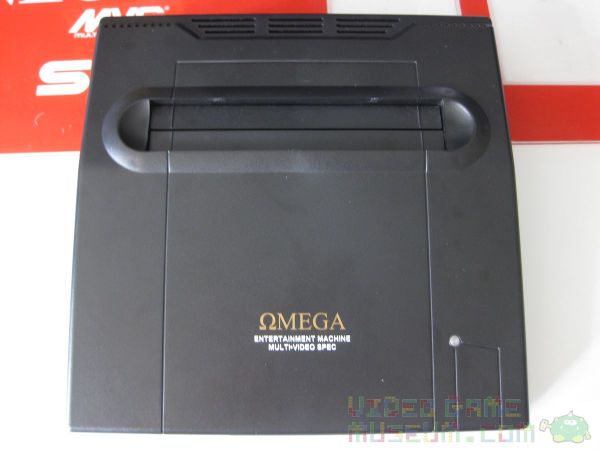
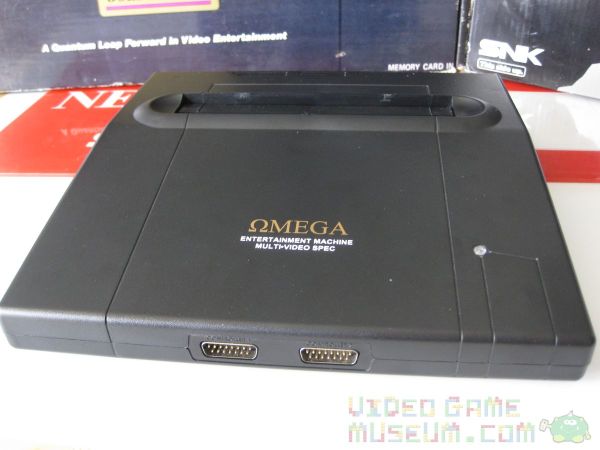
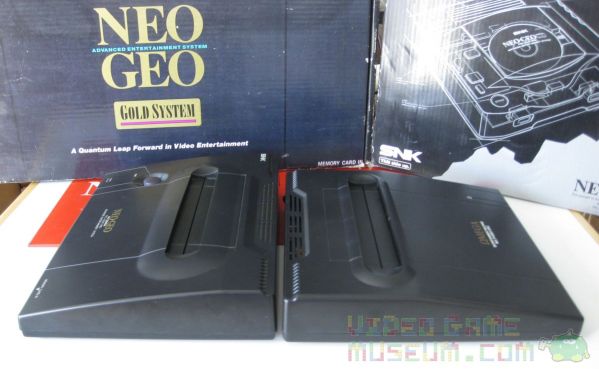
Creating a 100% custom casing, Quan painstakingly designed his dream casing. Additionally, he invested a boatload of cash (we’re talking many thousands of dollars) into setting up a custom mold and into the first production run. The creation was his Omega Entertainment Machine, and boy is she pretty!
Why consolize an arcade machine?
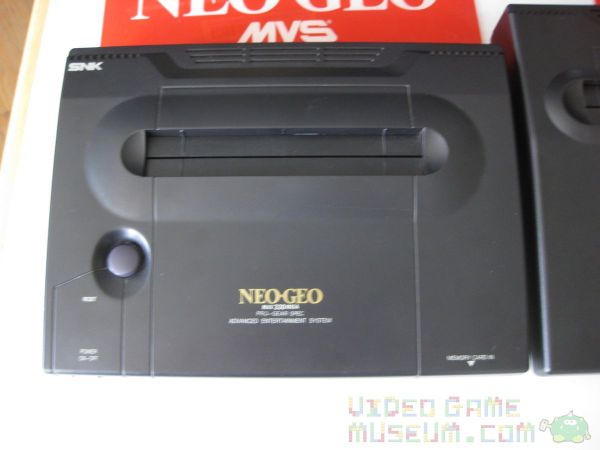
Back in the day, if you were interested in the Neo Geo, you basically had two options. If you were the average kid, you’d look for that cherry red Neo Geo MVS cabinet at your local arcade, and you’d pump quarters into it until your pockets were dry. And, afterwards, we’d head home to our NES or Sega Genesis and dream of being rich. Because, we knew if we were rich enough, we’d have enough money to buy the incredibly expensive Neo Geo AES home system? It did something unheard of. The Neo Geo AES played the exact same games as the MVS although it had a slightly different cartridge shape. Even now, the Neo Geo AES is one of the most expensive gaming systems to collect. AES cartridges are just terribly pricey. Yet, with arcades closing down all over, the MVS cartridge counterpart always seems to be cheaper by a landslide. Bummer is, most people can’t fit an entire Neo Geo MVS arcade machine in their apartment, condo, etc. That’s why a consolized MVS is so brilliant. It’s the size of the AES but plays the cheaper MVS games. It’s the best of both worlds.
Geek or Artist?
People get pretty creative consolizing an MVS. It’s where geeks get to shine. It always starts the same. There are some pretty minimalistic designs in which you basically have a franken-system that works but looks about as good as, well, Frankenstein. Then, there are people who create gorgeous woodworking to fit around that ugliness to create a better presentation. Finally, there are people who modify existing plastic casings or make their own. Quan seems to blow this third category out of the water with the Omega. If you haven’t already, check out my hands-on video taking a look at this Neo Geo marvel…
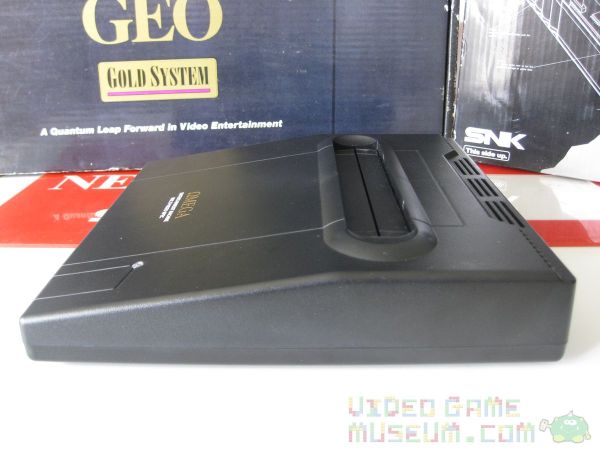
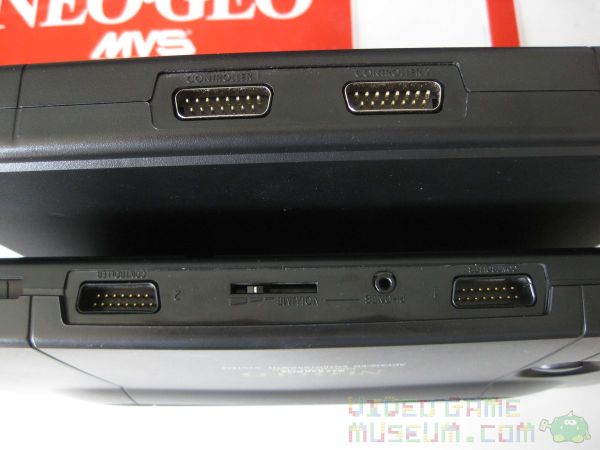
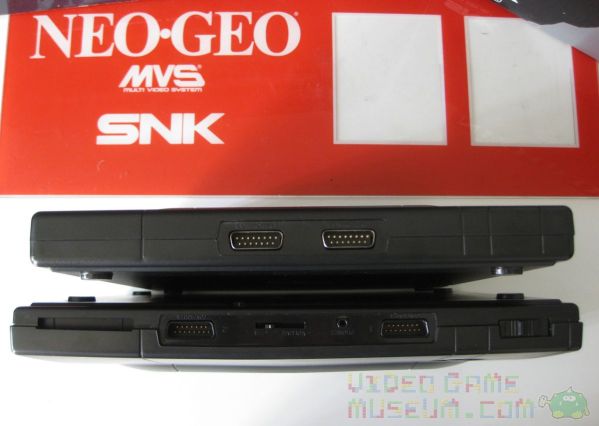
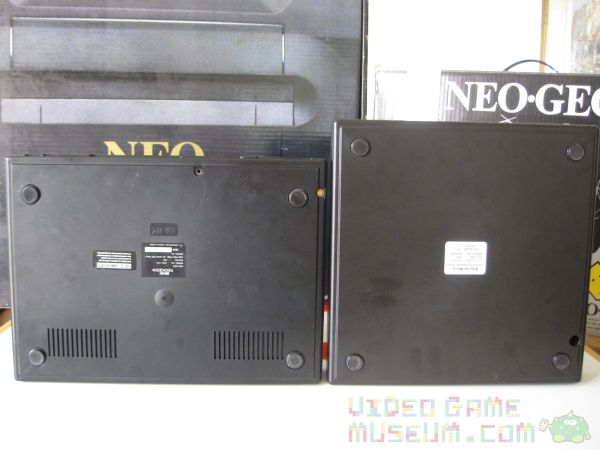
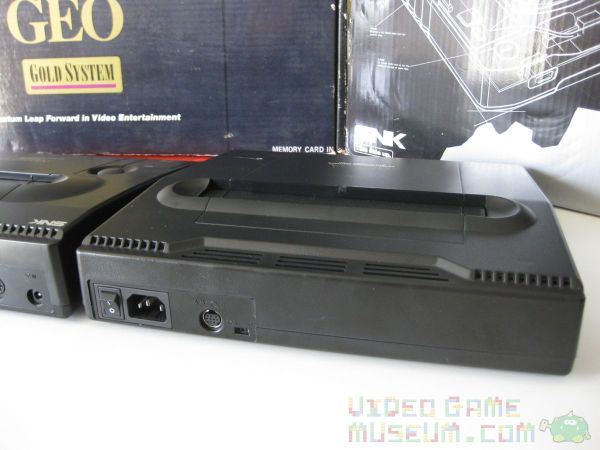
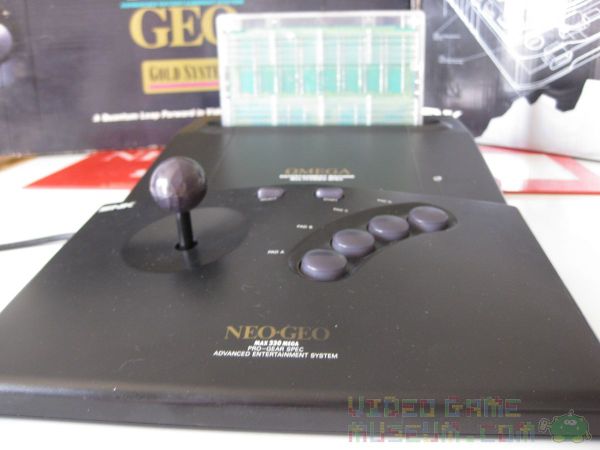
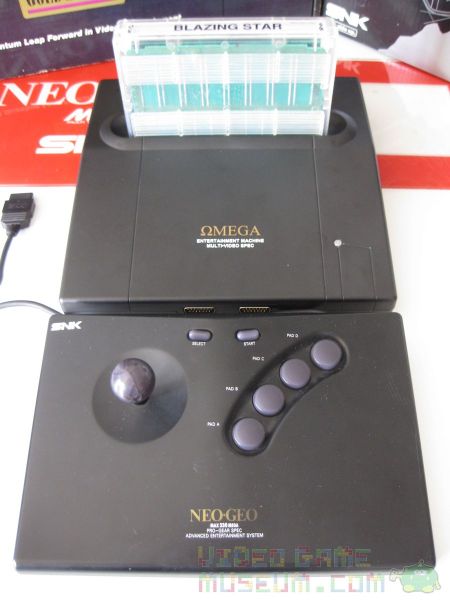
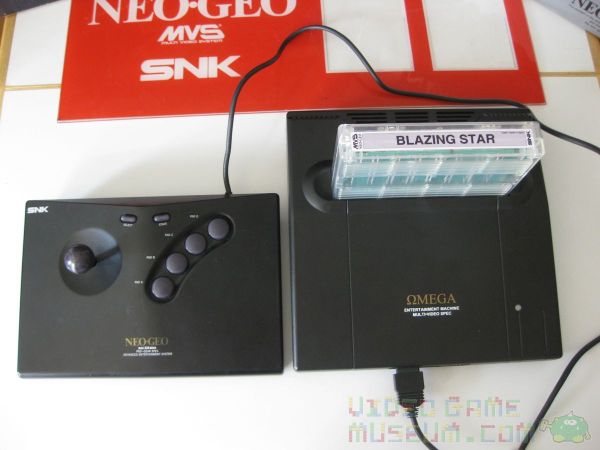
Appearance: Its shape, size, color, and even the texture of the plastic closely match that of the Neo Geo AES. If you saw this hooked up to your buddy’s TV, you might do a double take before you realize it’s a consolized MVS.
Graphics: As if the magic of putting a Neo Geo on your home’s TV isn’t enough, the Omega’s graphical output looks beautiful! (See the video above for footage.) The colors are rich, and the picture is clear and super clean. I just hooked it up with the s-video cable, and I was amazed at how great everything looked.
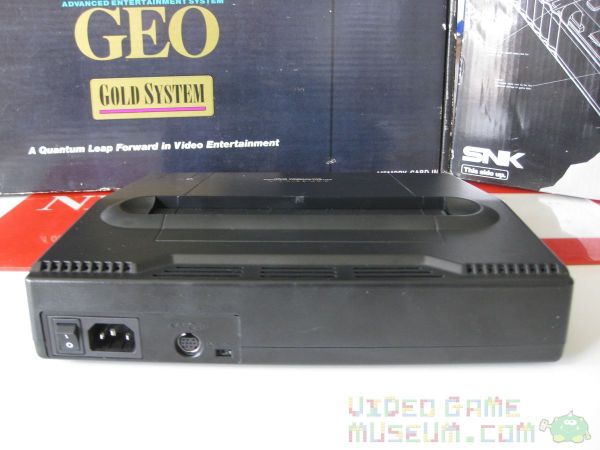
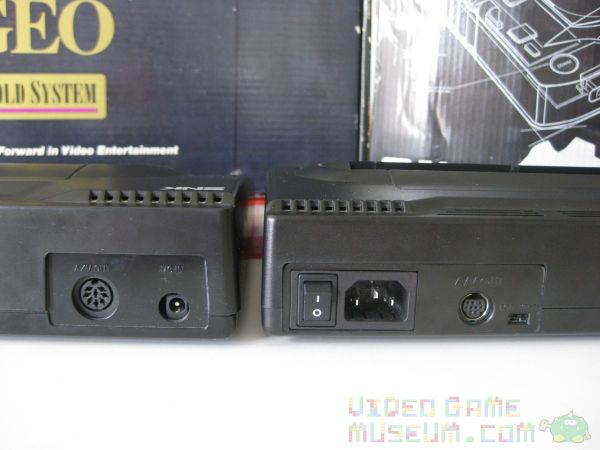
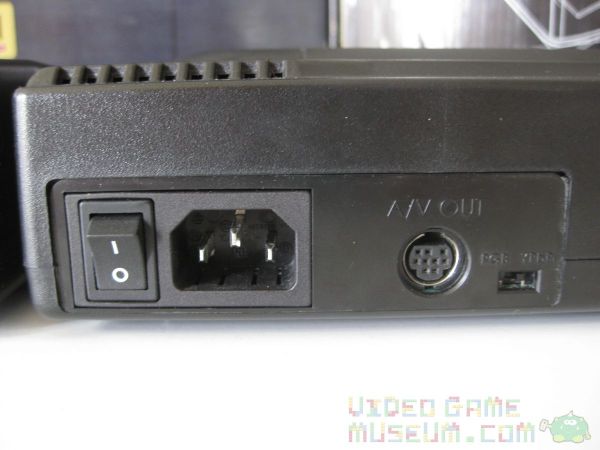
Setup: Setting up this system was as easy as plugging in any other home console I have. It came with an AV cable and a standard power cable (the same type that you have on the back of your desktop computer). The power switch is located on the back. That’s about it: simple.
Sound😕 I piped the sound through my TV and out my receiver, and was absolutely pleased. Quan explained to me that he uses the MV-1C PCB, which doesn’t natively have stereo sound. He mods it to make sure that the final product does.
Compatibility: I tested it out with several of my MVS games, specifically Blazing Star, Metal Slug, and Metal Slug 2. Each looked and worked great. I used both my full sized AES joystick and my Neo Geo CD controller, and both worked perfectly. Remember that this system doesn’t come with a controller, so make sure you have one of those two options.
Software: The Omega came with the Unibios software installed. If you haven’t already heard about this, check it out! It has a ton of options including the ability to soft reset from your controller, switch regions, use built in cheat codes, and a ton of other stuff. This is how the Omega is able to boot into freeplay mode to look like a home system rather than an arcade machine.
Price: It costs $499.00 USD. Ok, at first glance, this is a big number. Right now I’d price the AES or an MVS into the $350-500 range depending on what each comes with. So really, they’re all in the same ballpark. If you’re trying to decide between an AES and an Omega, I’d say that the cost savings of MVS carts solves that one. And if you’ve though about throwing cash at the Neo Geo X that recently came on the market, here’s a way better use of that cash.
Weaknesses: I’ve fallen so in love with the Omega that it almost feels wrong to raise any criticism, and in all honesty my suggestions for its improvement are little details. Unfortunately, the MV-1C PCB doesn’t come with the option for a memory card, which is why there isn’t a slot for one on the system. I’m guessing some fancy modding would make this possible, but it would also obviously drive up the price quite a bit. Last, when I tried out the component cables, I couldn’t get it to work with my HD LCD TV. Quan explained that some modern TVs have trouble displaying 240p over component, the native resolution of cart systems in that era including SNES and Genesis. However, it looks amazing when hooked up to a CRT TV, which he was able to demonstrate for me.
Final Impression
There’s a Neo Geo MVS in my living room. It’s called the Omega Entertainment Machine, and it’s beautiful. Plus I didn’t even have to wrestle Gollum for it! If you love the Neo Geo and have ever thought about buying a consolized system, this one knocks it out of the park. I’m impressed by Quan’s dedication to the Neo Geo can’t wait to see what project he comes up with next!
(As a note, Quan’s presently having ArcadeWorks.net redesigned. If the site looks like it’s presently under construction, that’s because it is.)
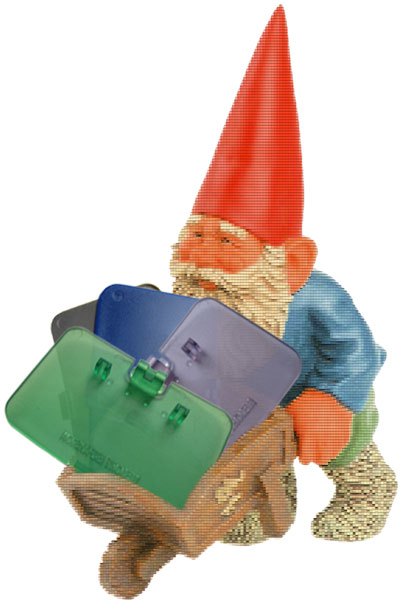
We all know about the gnome who steals socks out of our laundry. But have you heard about his pixel-hungry buddy who steals battery covers off of Game Boys? How about his neighbor who snatches expansion covers off of old N64 systems?
Time to fight back!
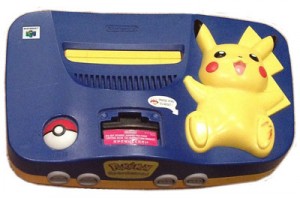
We’ll be carrying several colors of replacement expansion covers for the Nintendo 64. Yup, we’ll be keeping the retro gaming world dust free by carrying the original Gray, Jungle Green, Pikachu Blue, and Atomic Purple versions of these little missing lids. If these do well, we’ll be happy to get more colors produced in time.
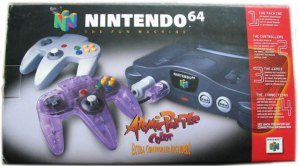
Ok, so here’s the funny part. Nintendo made an Atomic Purple N64 set, right? What color was it? Wait….think about it…hmmm.
Hmmm…so it really wasn’t a purple system. But it did come with a sweet Atomic Purple controller that kicked off the numerous “funtastic” variants that Nintendo released in controllers and systems.
Atomic Purple expansion covers, really? Yup. Why? Because yellow would have been silly. Seriously though, we figure these will give people a great opportunity to continue the custom mix-and-match process of customizing their N64. We all did it with controllers as a kid. Why not the system? Would the system in the box below look better with an Atomic Purple expansion lid? Would that same lid also look sweet on a colored system? If you answered yes to either of these questions, you understand. If not, gray is definitely available too. Modders, here’s one more color to toy around with.
People were asking how closely the colors match the originals, so we figured we’d give you a better look.
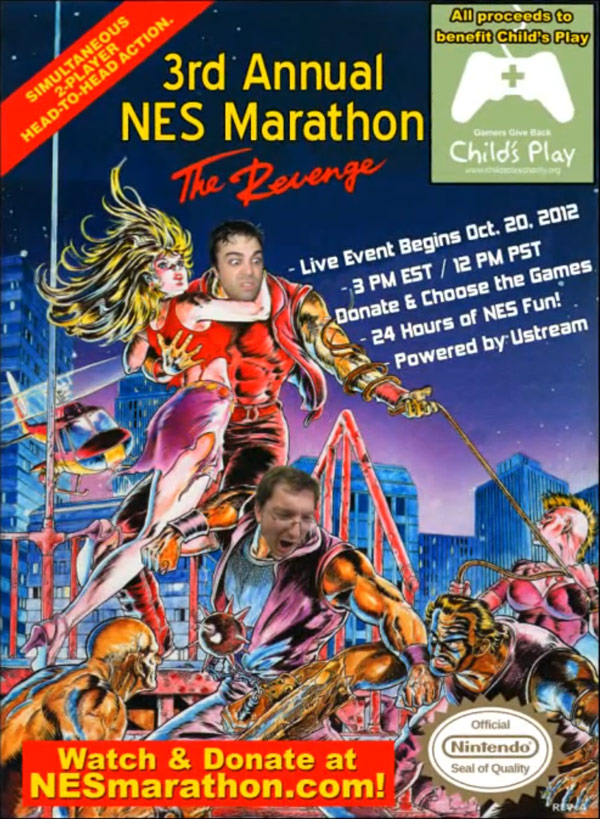
It’s with those goals in mind that we’re returning as a sponsor, and we invite you to make a donation and to tune in as well. Please join us this Saturday, October 20, 2012 at 3 PM EST/12 PM PST for the 3rd Annual NES Marathon!