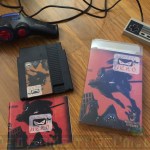
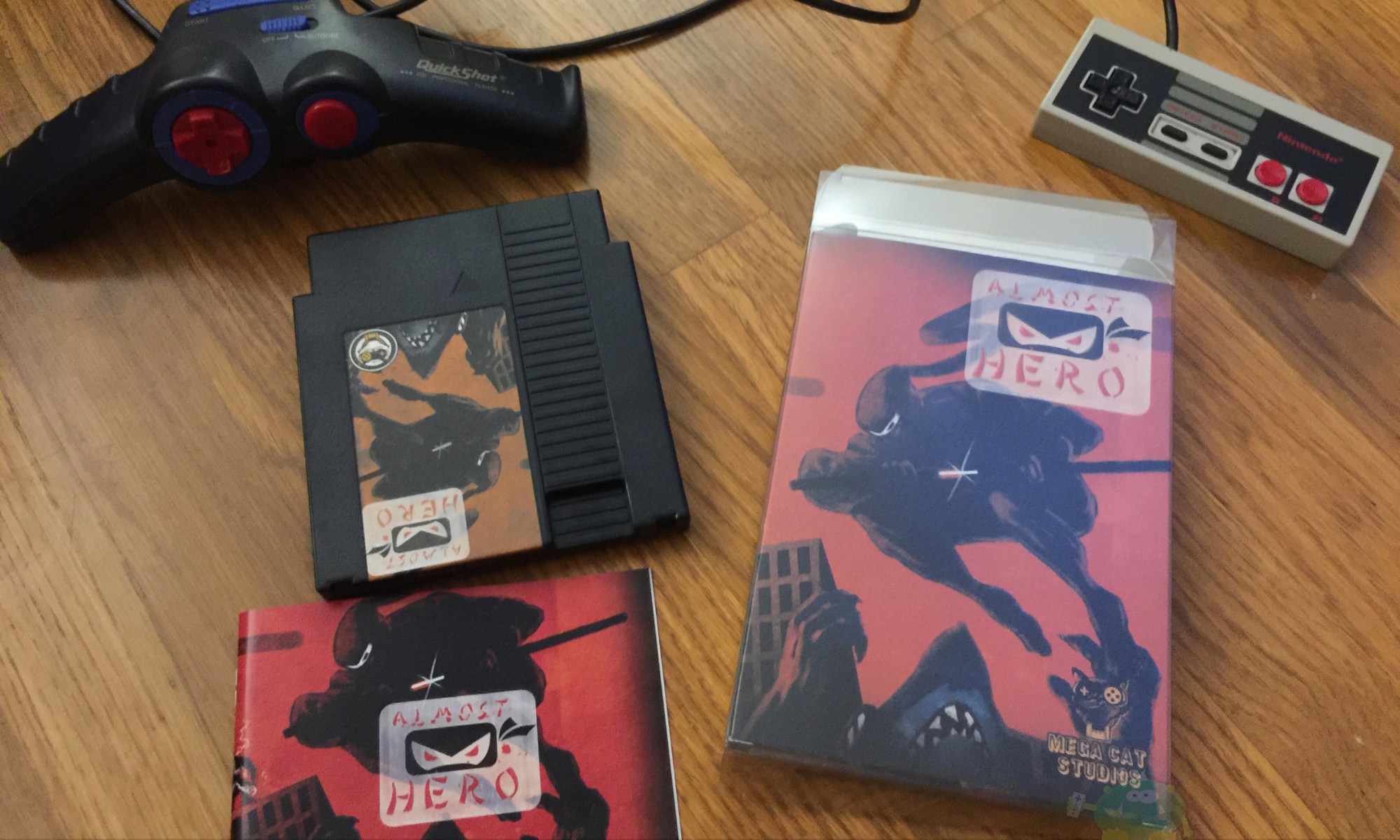
Almost Hero – NES Beat ’em Up Homebrew – First Impression, Tips & Review

FIRST IMPRESSION: (1h into Gameplay)

My buddy Lincoln and I were about to throw in the towel.? Yes, we had a good time playing, but progress felt like walking through mud.? We were figuring out the game, but our repeated deaths were even faster.? Rather than giving up and powering down, we clicked the reset button to switch from 2-player mode to 1-player, and spent the next ? hour making some huge breakthroughs.

THE GOOD:

Almost Hero brings a solid mix of old-school 8-bit NES challenge and humor.? The character?s sprite shapes look nice, bust some faces and kept reminding us of River City Ransom or Teenage Mutant Ninja Turtles (TMNT).? Once we figured out how to grind out enough coins for upgrades, it was a whole new game.? The sense of accomplishment and progression was nice.? Additionally, we appreciated having infinite lives and the ability to keep upgrades after each death.? The throwable items added a nice touch to gameplay, and we went nuts over the green turtle shell.

THE BAD:

Targeting enemies is super tricky.? Early on in the game, this is especially frustrating as it?s basically trade of blow for blow.? It?s also frustrating that punches and kicks cannot be made while moving.? It made for that muddy gameplay experience mentioned earlier.

FINAL IMPRESSION: (1.5h into Gameplay)

It’s pretty amazing that in 2017, Mega Cat Studios is creating new, homebrew titles for the original Nintendo Entertainment System (NES).

?Almost Hero? flies about as well as a brick.? Being that this is a Beat ?em Up, a flying brick is a good thing.? Yes, it?s not a heat-seeking missile, but it?s a period appropriate piece of ammo for the NES lineup.? It flies straight and packs a punch!

TIPS:

In our 1-2 hours of gameplay, Lincoln and I made a bunch of discoveries through sheer trial and error.? I?d suggest you stop reading and just buy the game if you?re the kind of gamer who enjoys figuring all that sort of stuff out yourself.

  • UPGRADE TIPS:
    • Vendor Menu:
      • New Cola ($2): Small health fill
      • Strato Soda ($4): Fills health entirely?
      • Fifty Tints ($25): Adds two health bars.
      • All Pros ($35): Faster movement.
      • 1001 Punches ($35): Faster punches.
      • Foot Passion ($35): Faster kicks.
    • Always have a cola in your inventory.
    • The $4 cola is significantly better than the $2 cola.
    • Grind, grind and grind bonsai seeds. $35 is your target.
    • Backtracking is essential for farming and buying more cola. This also works forward.? If you beat a boss, you can now bypass mobs and run to that boss.
    • You lose half your cash (seeds) when you die. PS?you die a lot.
    • 2-Player:
      • You can only buy items for yourself.
      • Upgrading means one guy grabs all the coins.
  • FIGHTING TIPS:
    • Hit & run
    • Auto attack.
    • Jumping is always a jump kick.
  • STRATEGY TIPS:
    • Cola and other items will disappear.
    • Each level is a one-way street. One screens are cleared, you can run through them.? This is super handy for boss farming.

Have a tip that?s not on our list?? Let us know!? We?d love to hear from you in the video’s comments.

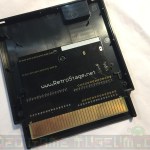
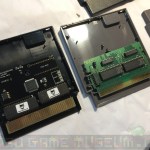
LOOKING INSIDE THE CARTRIDGE:
Thank again to Mega Cat Studios who provided us a free copy of this game in exchange for an unbiased review.

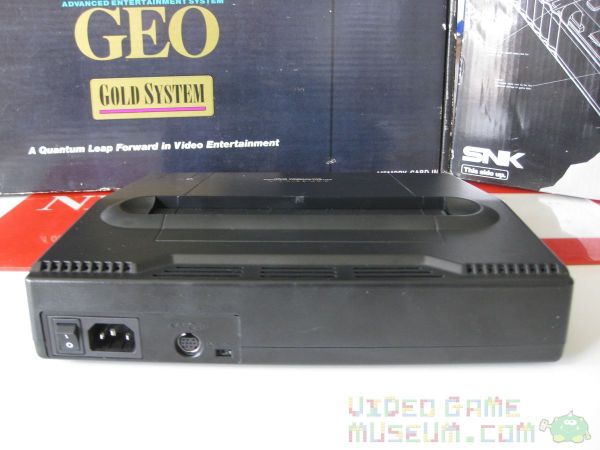
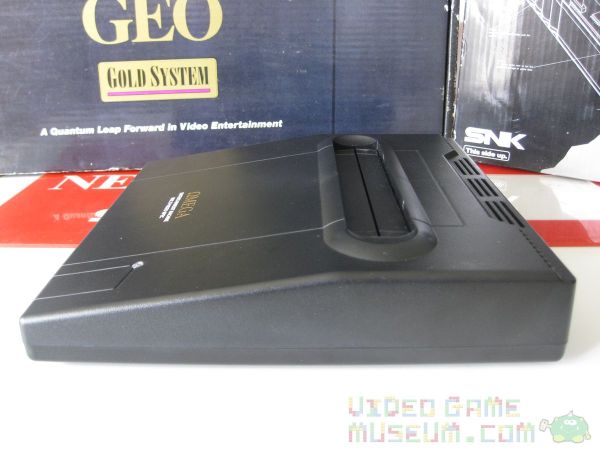
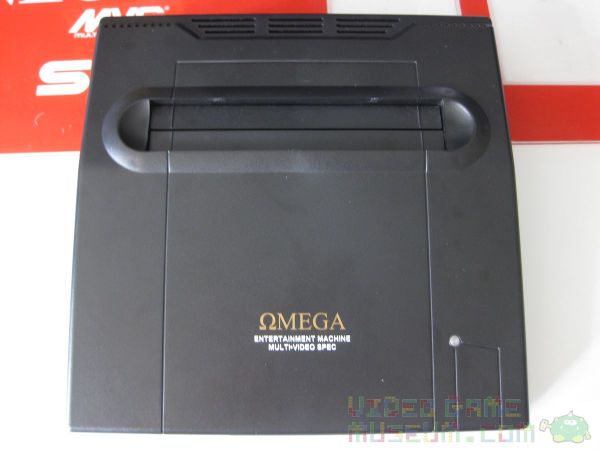
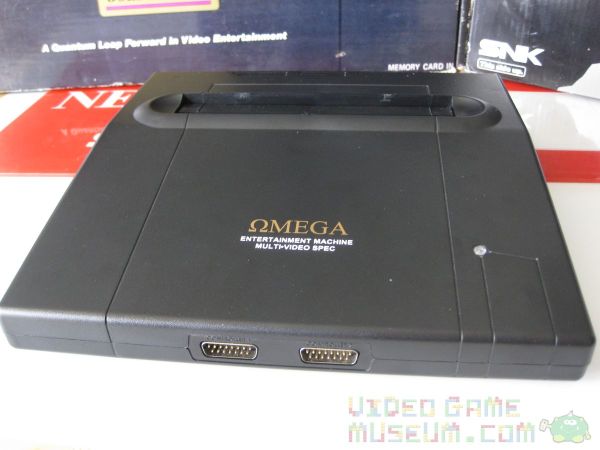
Shrinking a Neo Geo MVS into the Omega Entertainment Machine

Every kid dreams…

Some kids dream about arcades…

Some kids named Quan dream about shrinking arcades and putting them in their backpacks!

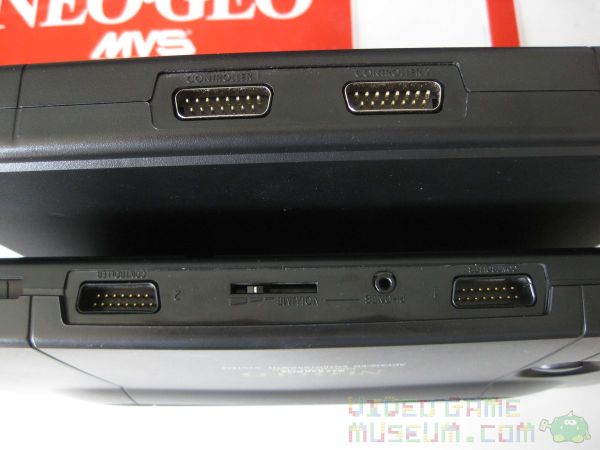
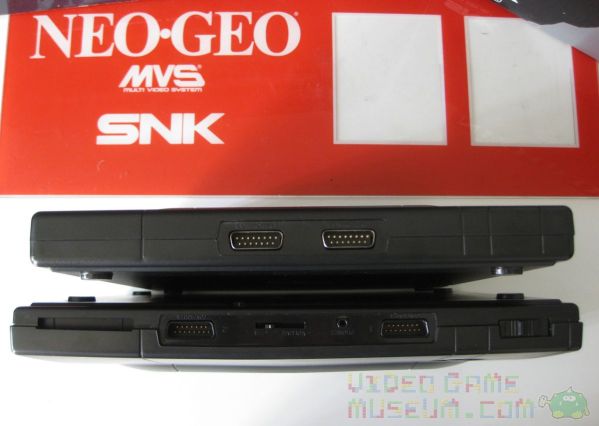
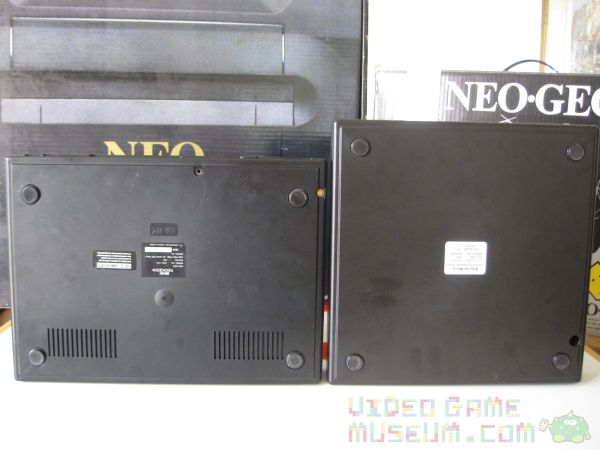
While I may have been awestruck by the Neo Geo MVS as a kid, Quan at ArcadeWorks.net took his dream to an entirely different level. He’s one of those nutty, mad-scientist guys who loves to do things to old arcade machines that even their own creators couldn’t have imagined. Plenty of guys consolize arcade machines. The Neo Geo MVS is a pretty popular consolization project. However, Quan did something that no one else has been nuts enough to do. While the one ring was being forged in the depths of Mount Doom by his elven buddies, Quan was using a bit of lava, magic, and that childhood dream to forge his own “precious.”
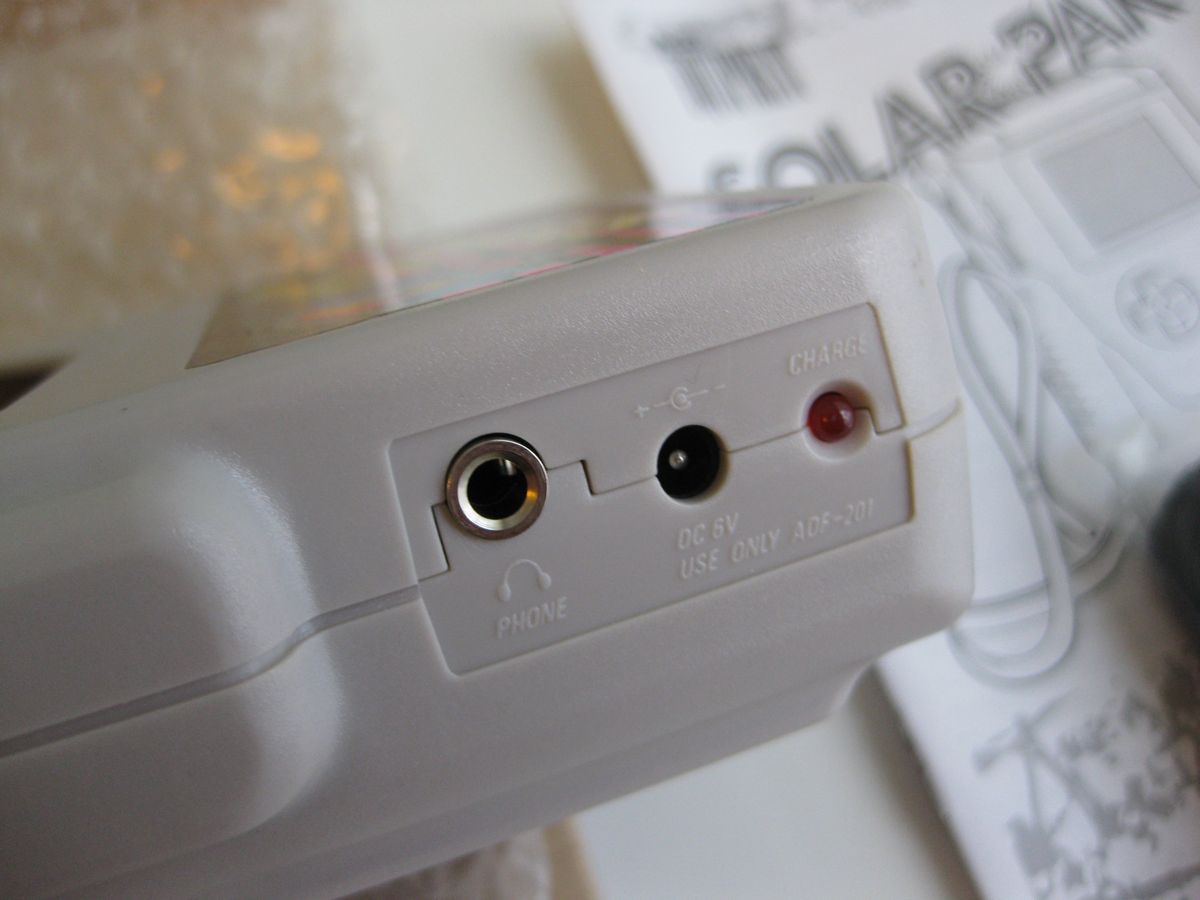
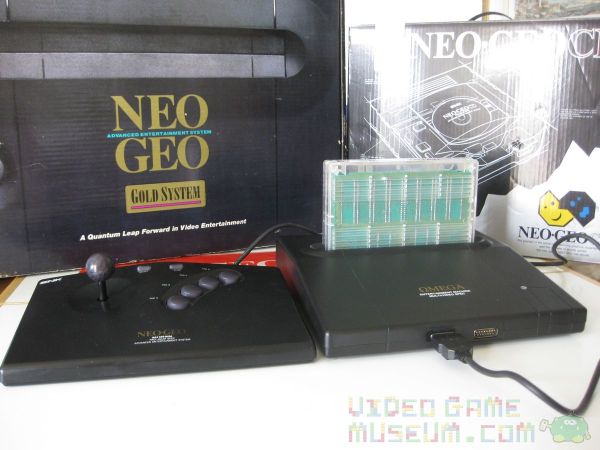
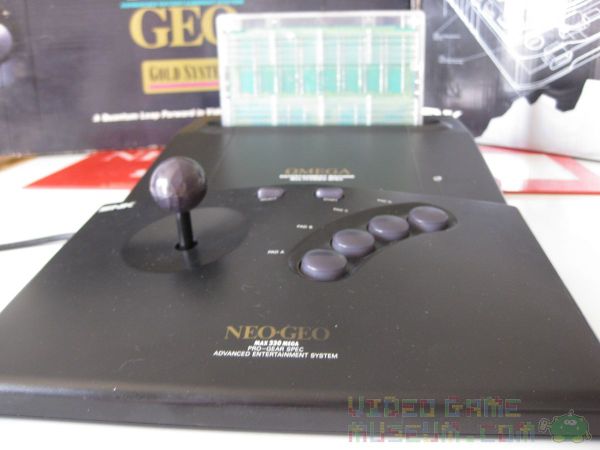
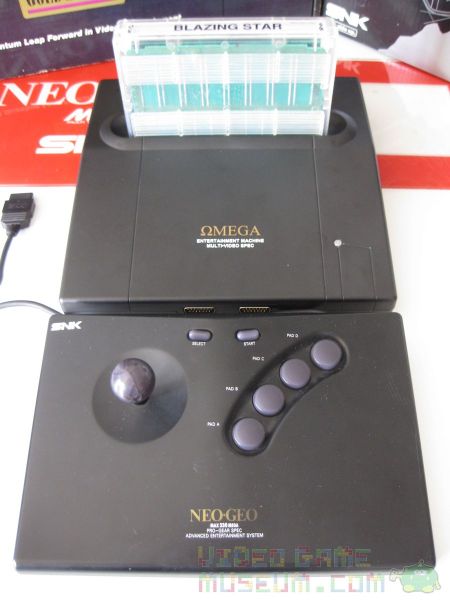
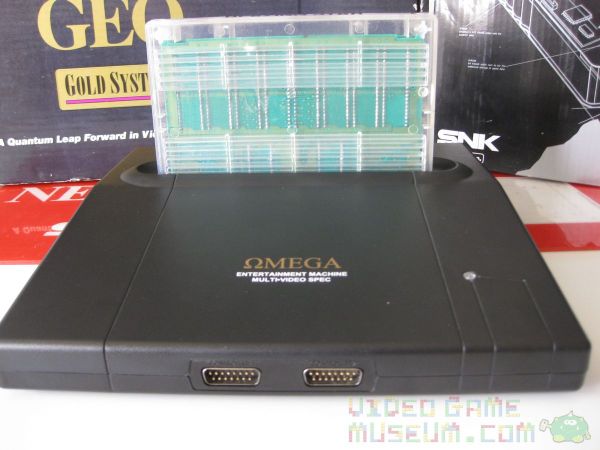
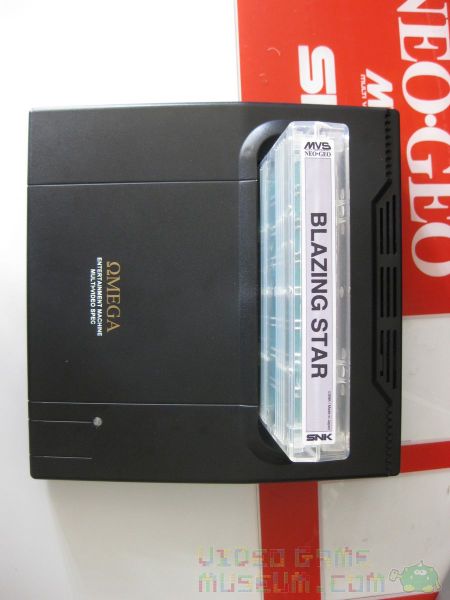
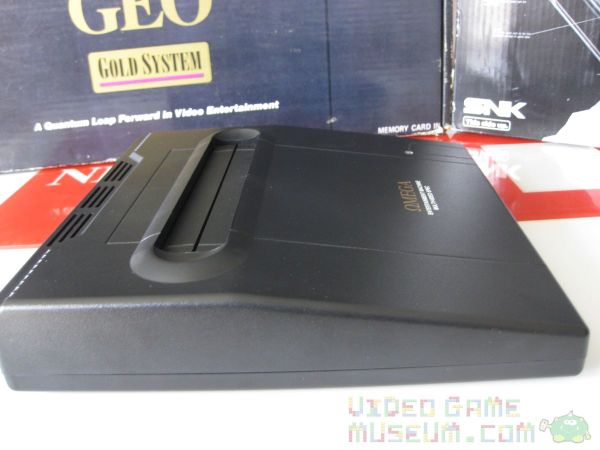
Creating a 100% custom casing, Quan painstakingly designed his dream casing. Additionally, he invested a boatload of cash (we’re talking many thousands of dollars) into setting up a custom mold and into the first production run. The creation was his Omega Entertainment Machine, and boy is she pretty!

Why consolize an arcade machine?

Back in the day, if you were interested in the Neo Geo, you basically had two options. If you were the average kid, you’d look for that cherry red Neo Geo MVS cabinet at your local arcade, and you’d pump quarters into it until your pockets were dry. And, afterwards, we’d head home to our NES or Sega Genesis and dream of being rich. Because, we knew if we were rich enough, we’d have enough money to buy the incredibly expensive Neo Geo AES home system? It did something unheard of. The Neo Geo AES played the exact same games as the MVS although it had a slightly different cartridge shape. Even now, the Neo Geo AES is one of the most expensive gaming systems to collect. AES cartridges are just terribly pricey. Yet, with arcades closing down all over, the MVS cartridge counterpart always seems to be cheaper by a landslide. Bummer is, most people can’t fit an entire Neo Geo MVS arcade machine in their apartment, condo, etc. That’s why a consolized MVS is so brilliant. It’s the size of the AES but plays the cheaper MVS games. It’s the best of both worlds.

Geek or Artist?

People get pretty creative consolizing an MVS. It’s where geeks get to shine. It always starts the same. There are some pretty minimalistic designs in which you basically have a franken-system that works but looks about as good as, well, Frankenstein. Then, there are people who create gorgeous woodworking to fit around that ugliness to create a better presentation. Finally, there are people who modify existing plastic casings or make their own. Quan seems to blow this third category out of the water with the Omega. If you haven’t already, check out my hands-on video taking a look at this Neo Geo marvel…

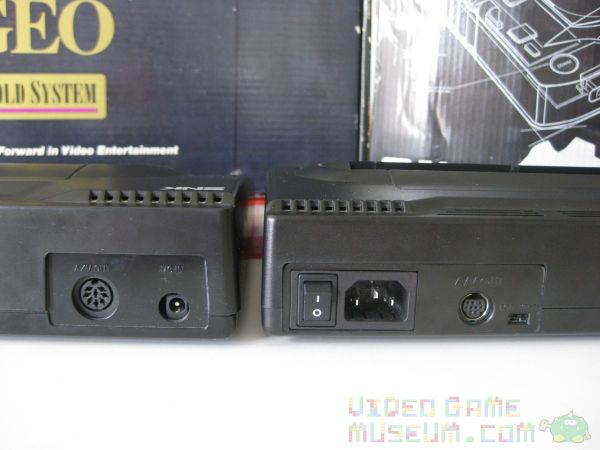
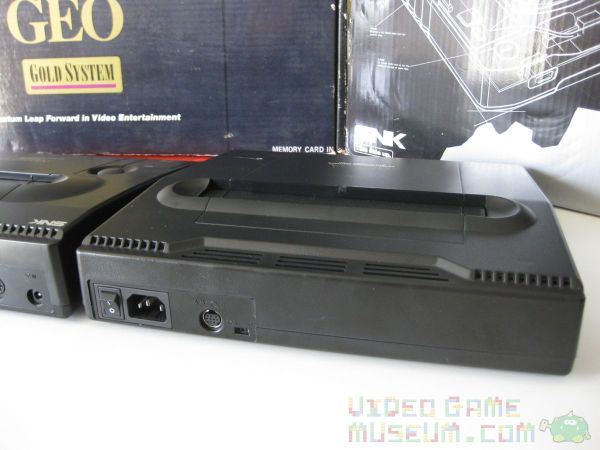
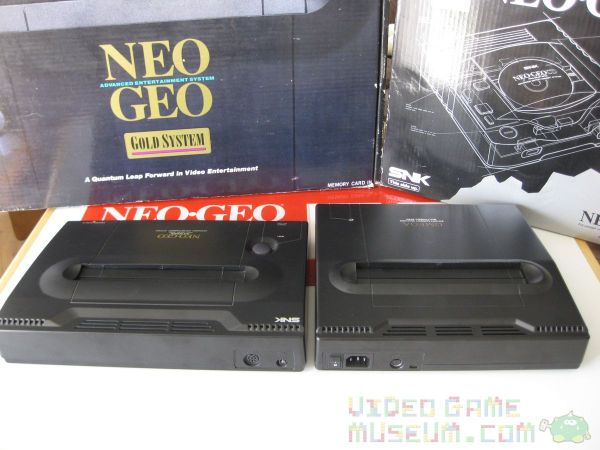
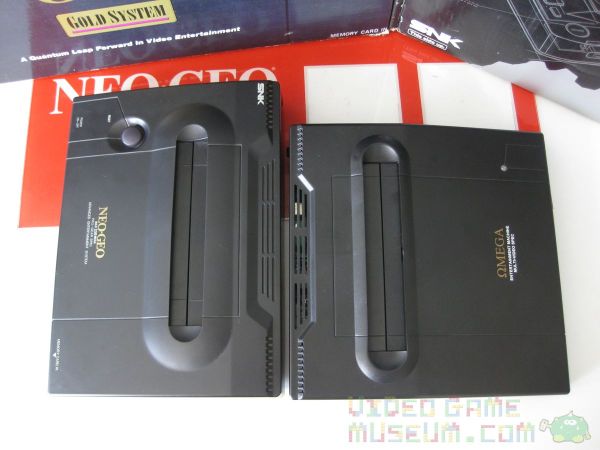
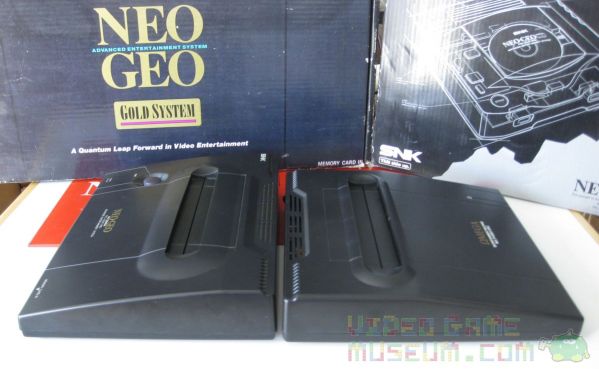
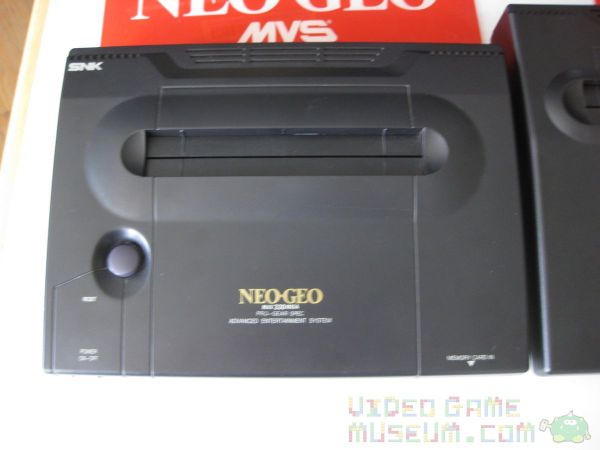
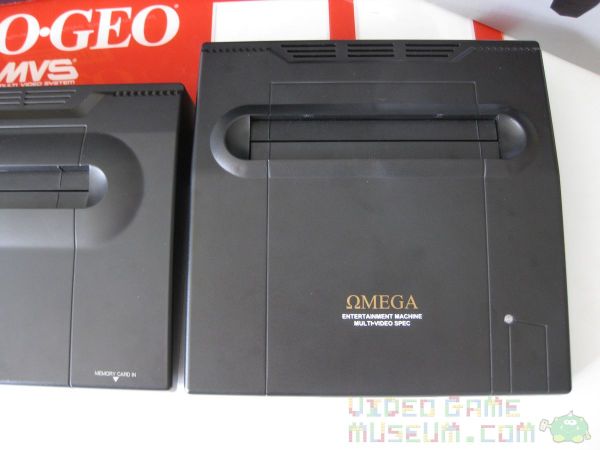
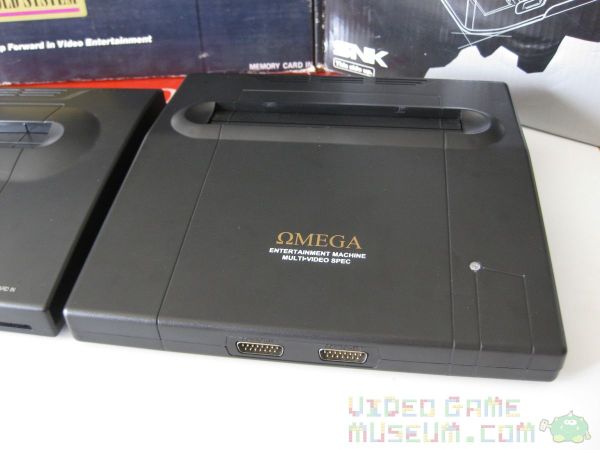
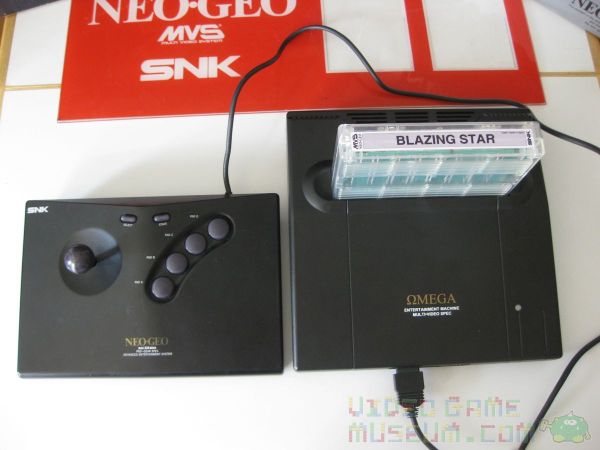
Appearance: Its shape, size, color, and even the texture of the plastic closely match that of the Neo Geo AES. If you saw this hooked up to your buddy’s TV, you might do a double take before you realize it’s a consolized MVS.

Graphics: As if the magic of putting a Neo Geo on your home’s TV isn’t enough, the Omega’s graphical output looks beautiful! (See the video above for footage.) The colors are rich, and the picture is clear and super clean. I just hooked it up with the s-video cable, and I was amazed at how great everything looked.

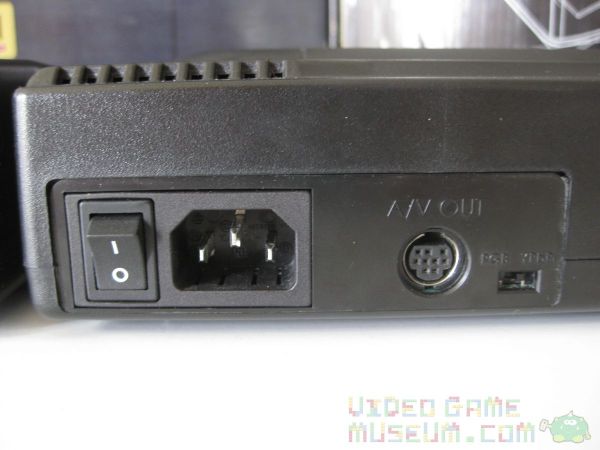
Setup: Setting up this system was as easy as plugging in any other home console I have. It came with an AV cable and a standard power cable (the same type that you have on the back of your desktop computer). The power switch is located on the back. That’s about it: simple.

Sound😕 I piped the sound through my TV and out my receiver, and was absolutely pleased. Quan explained to me that he uses the MV-1C PCB, which doesn’t natively have stereo sound. He mods it to make sure that the final product does.

Compatibility: I tested it out with several of my MVS games, specifically Blazing Star, Metal Slug, and Metal Slug 2. Each looked and worked great. I used both my full sized AES joystick and my Neo Geo CD controller, and both worked perfectly. Remember that this system doesn’t come with a controller, so make sure you have one of those two options.

Software: The Omega came with the Unibios software installed. If you haven’t already heard about this, check it out! It has a ton of options including the ability to soft reset from your controller, switch regions, use built in cheat codes, and a ton of other stuff. This is how the Omega is able to boot into freeplay mode to look like a home system rather than an arcade machine.

Price: It costs $499.00 USD. Ok, at first glance, this is a big number. Right now I’d price the AES or an MVS into the $350-500 range depending on what each comes with. So really, they’re all in the same ballpark. If you’re trying to decide between an AES and an Omega, I’d say that the cost savings of MVS carts solves that one. And if you’ve though about throwing cash at the Neo Geo X that recently came on the market, here’s a way better use of that cash.

Weaknesses: I’ve fallen so in love with the Omega that it almost feels wrong to raise any criticism, and in all honesty my suggestions for its improvement are little details. Unfortunately, the MV-1C PCB doesn’t come with the option for a memory card, which is why there isn’t a slot for one on the system. I’m guessing some fancy modding would make this possible, but it would also obviously drive up the price quite a bit. Last, when I tried out the component cables, I couldn’t get it to work with my HD LCD TV. Quan explained that some modern TVs have trouble displaying 240p over component, the native resolution of cart systems in that era including SNES and Genesis. However, it looks amazing when hooked up to a CRT TV, which he was able to demonstrate for me.

Final Impression

There’s a Neo Geo MVS in my living room. It’s called the Omega Entertainment Machine, and it’s beautiful. Plus I didn’t even have to wrestle Gollum for it! If you love the Neo Geo and have ever thought about buying a consolized system, this one knocks it out of the park. I’m impressed by Quan’s dedication to the Neo Geo can’t wait to see what project he comes up with next!

(As a note, Quan’s presently having ArcadeWorks.net redesigned. If the site looks like it’s presently under construction, that’s because it is.)

Game Boy Solar-Pak vs Solar iPhone Charger

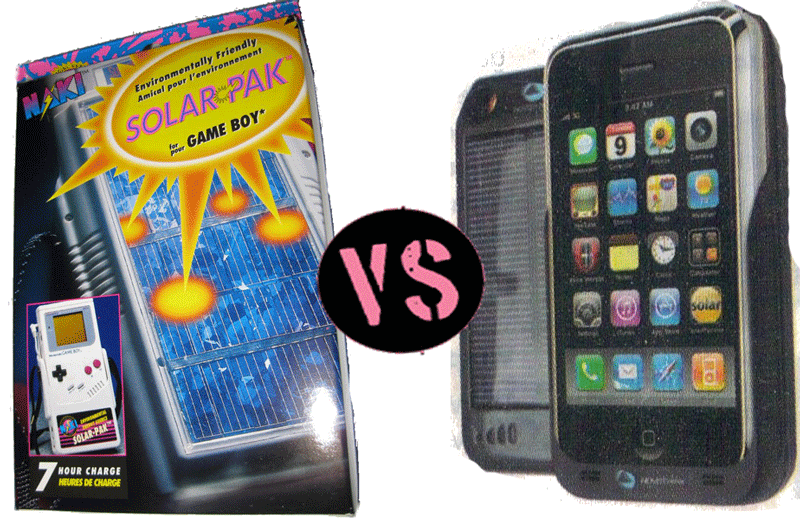
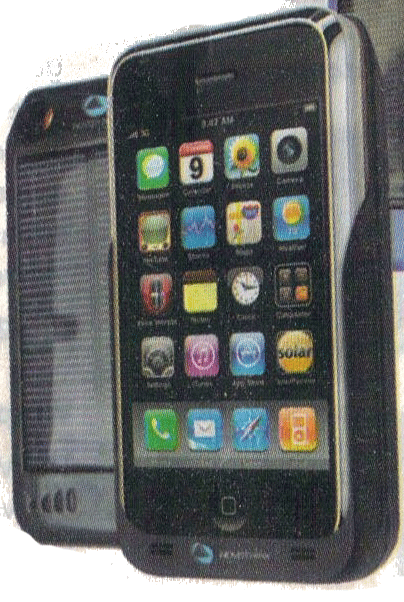
My favorite part about flying is getting to read the SkyMall catalog. A special treat is when I fly once at the end of the month and take a return trip in the following month…thus getting to read an updated copy of SkyMall on the return trip. While this proves I’m a geek, it also proves useful as a retro gamer and blogger (which ironically also both prove I’m a geek…). Check this out: you can get a solar charger for your iPhone. I ripped out the page and scanned it for your viewing pleasure. Solar…green…iPhone…? Quite lovely, huh?

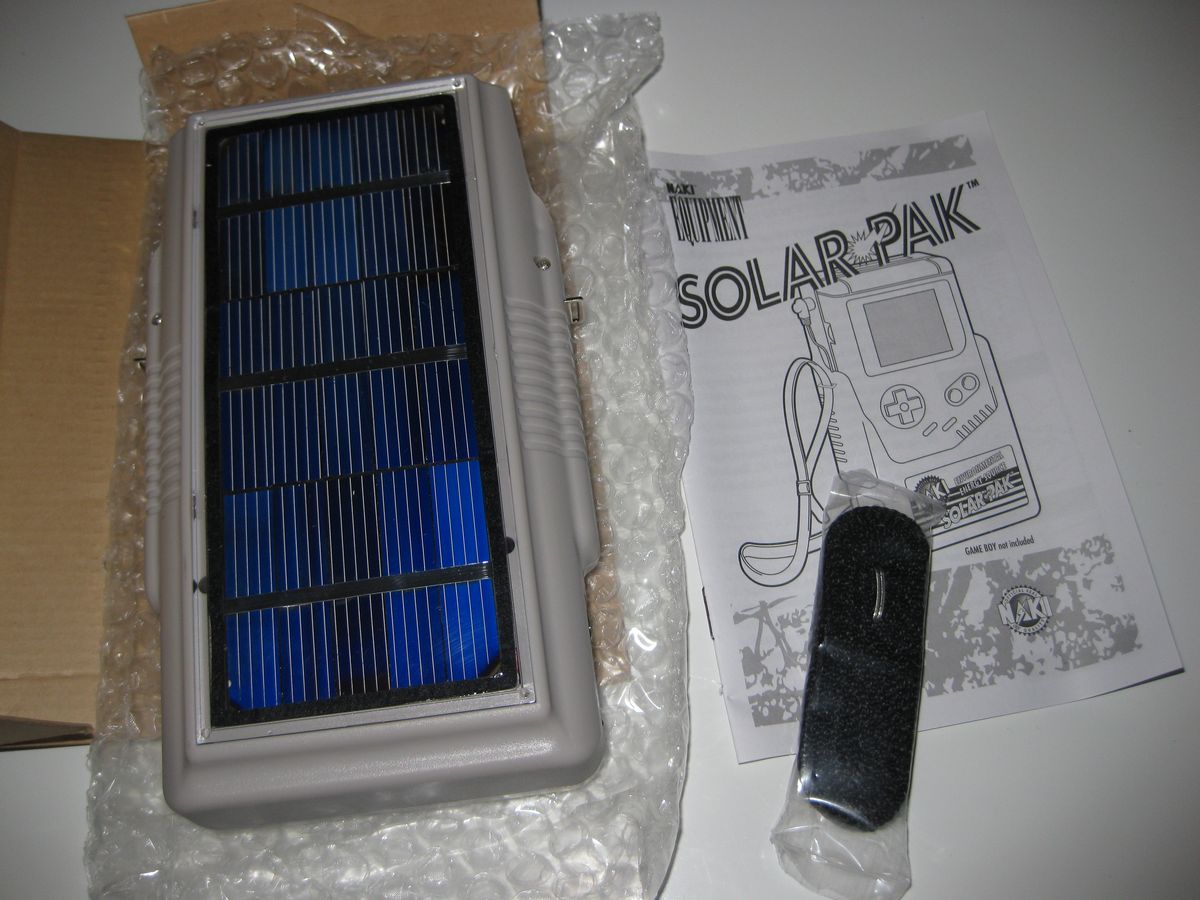
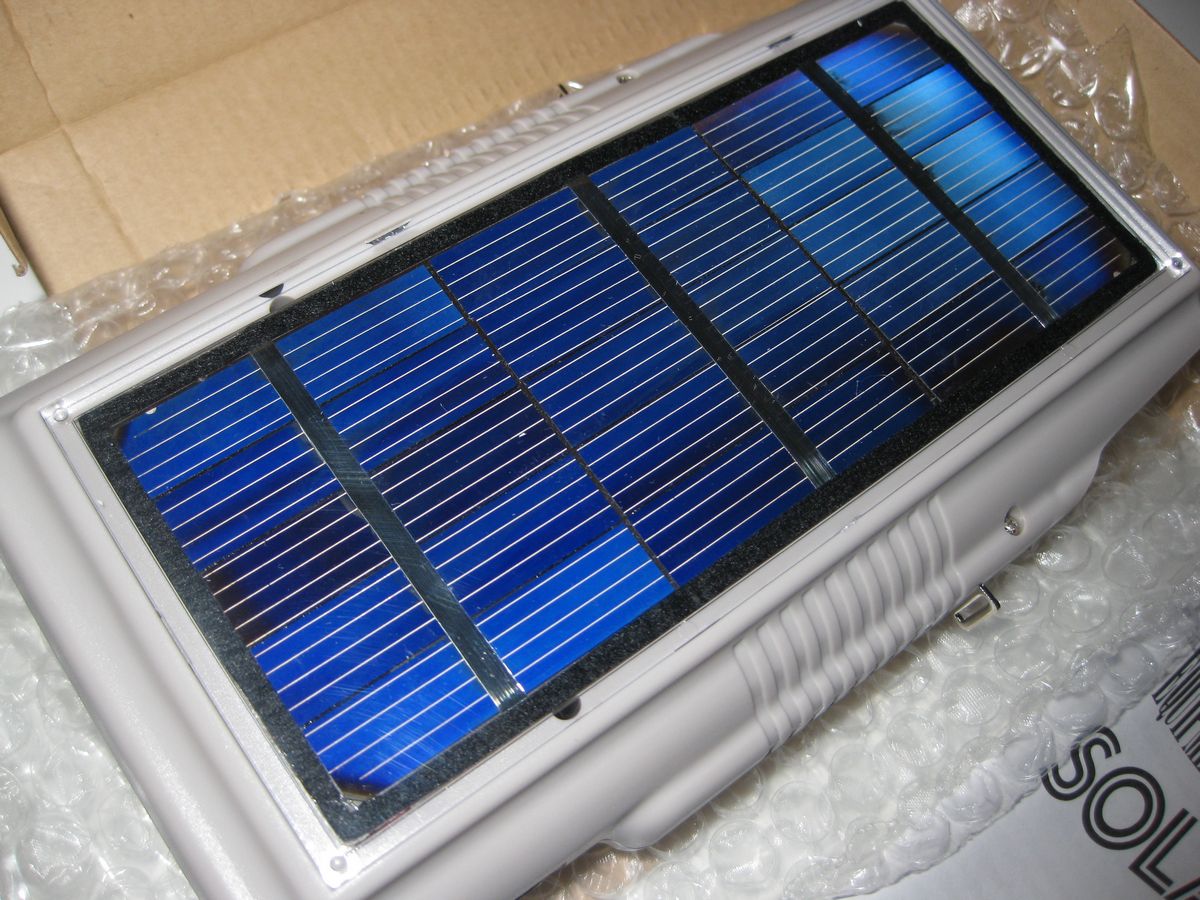
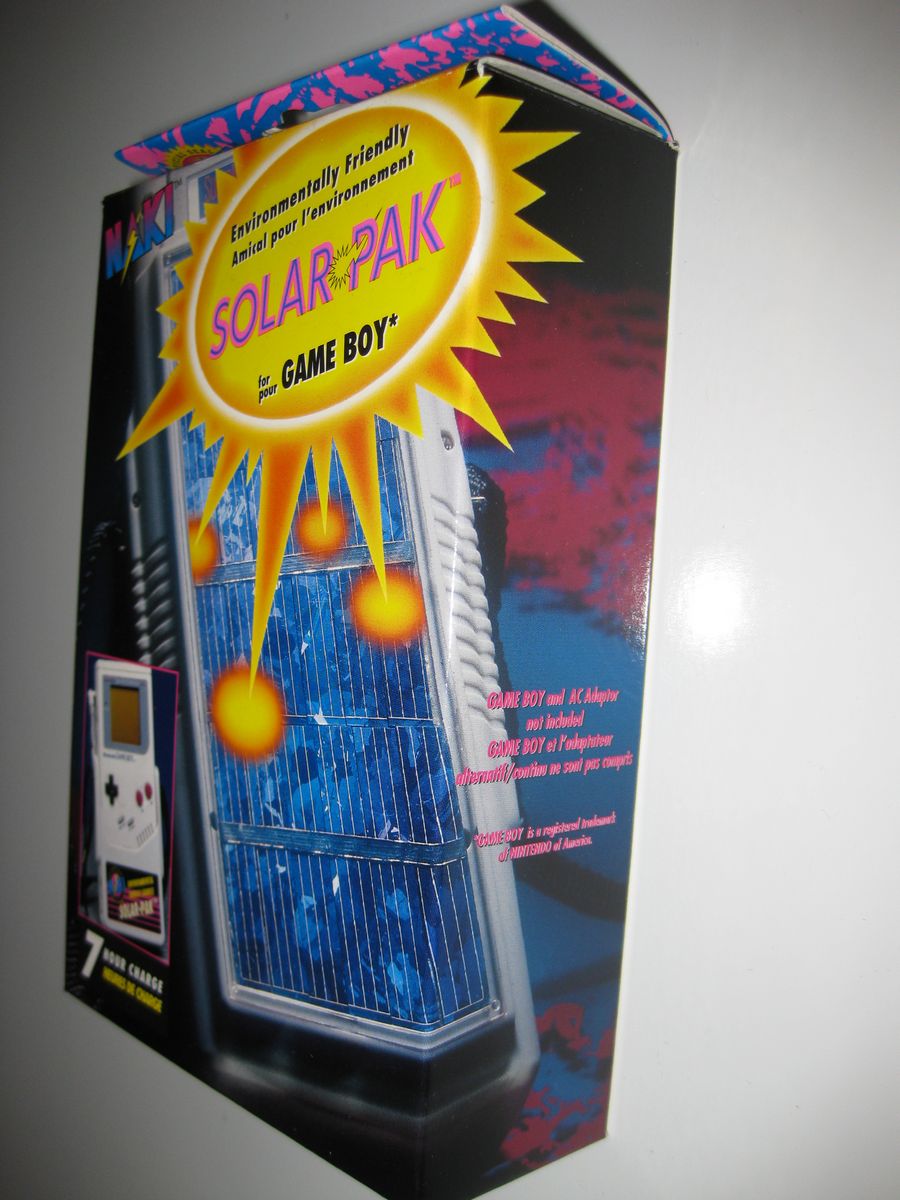
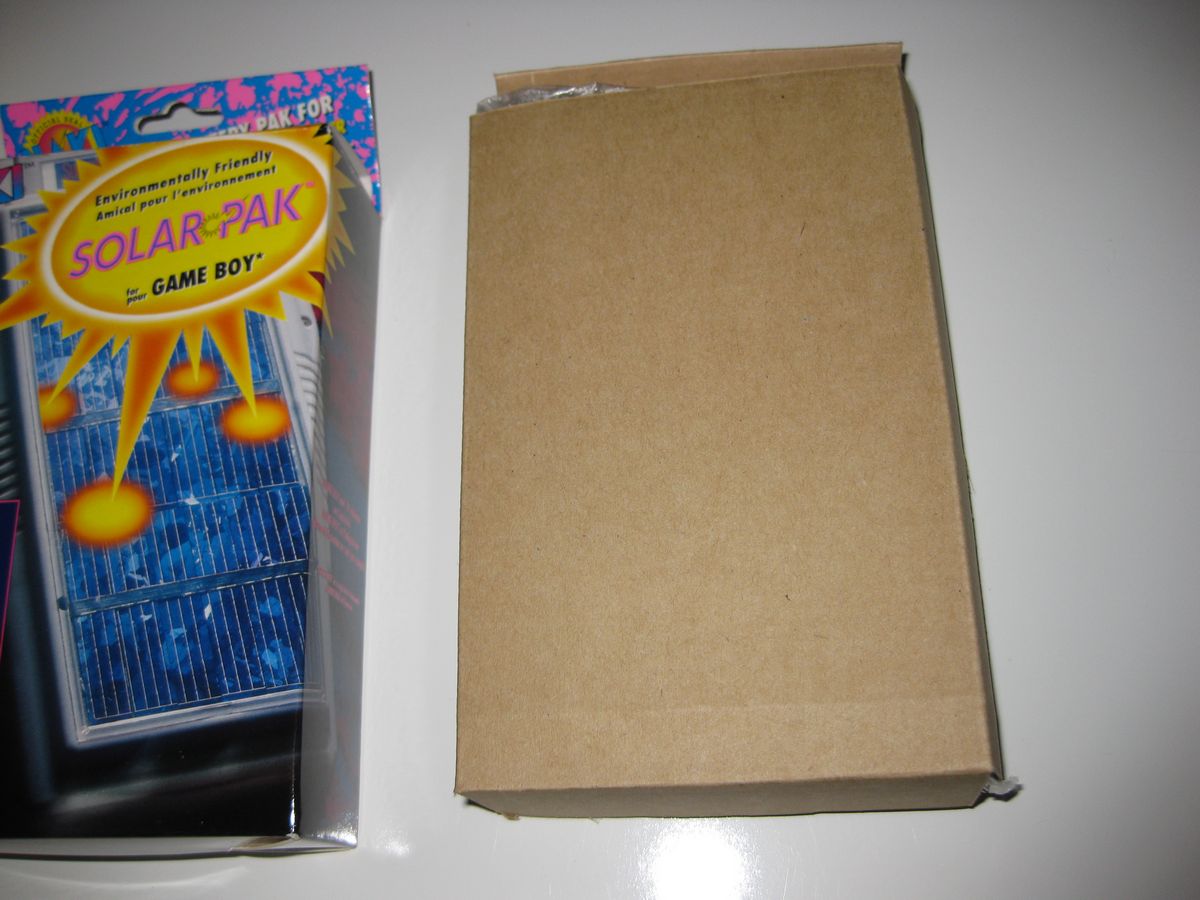
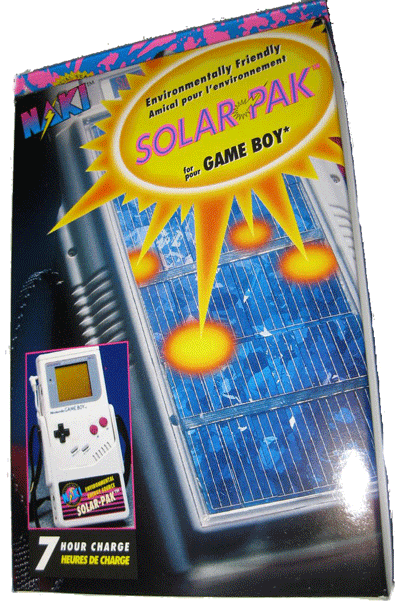
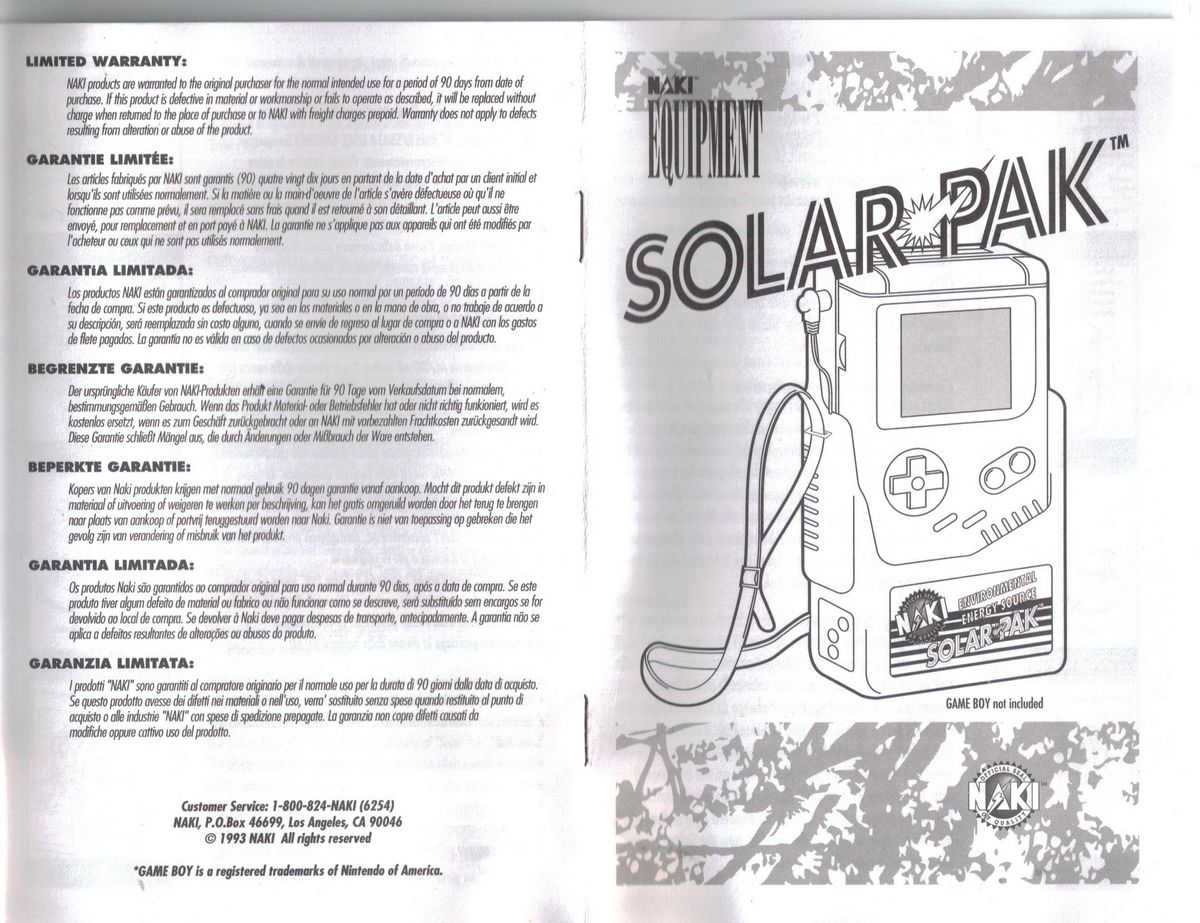
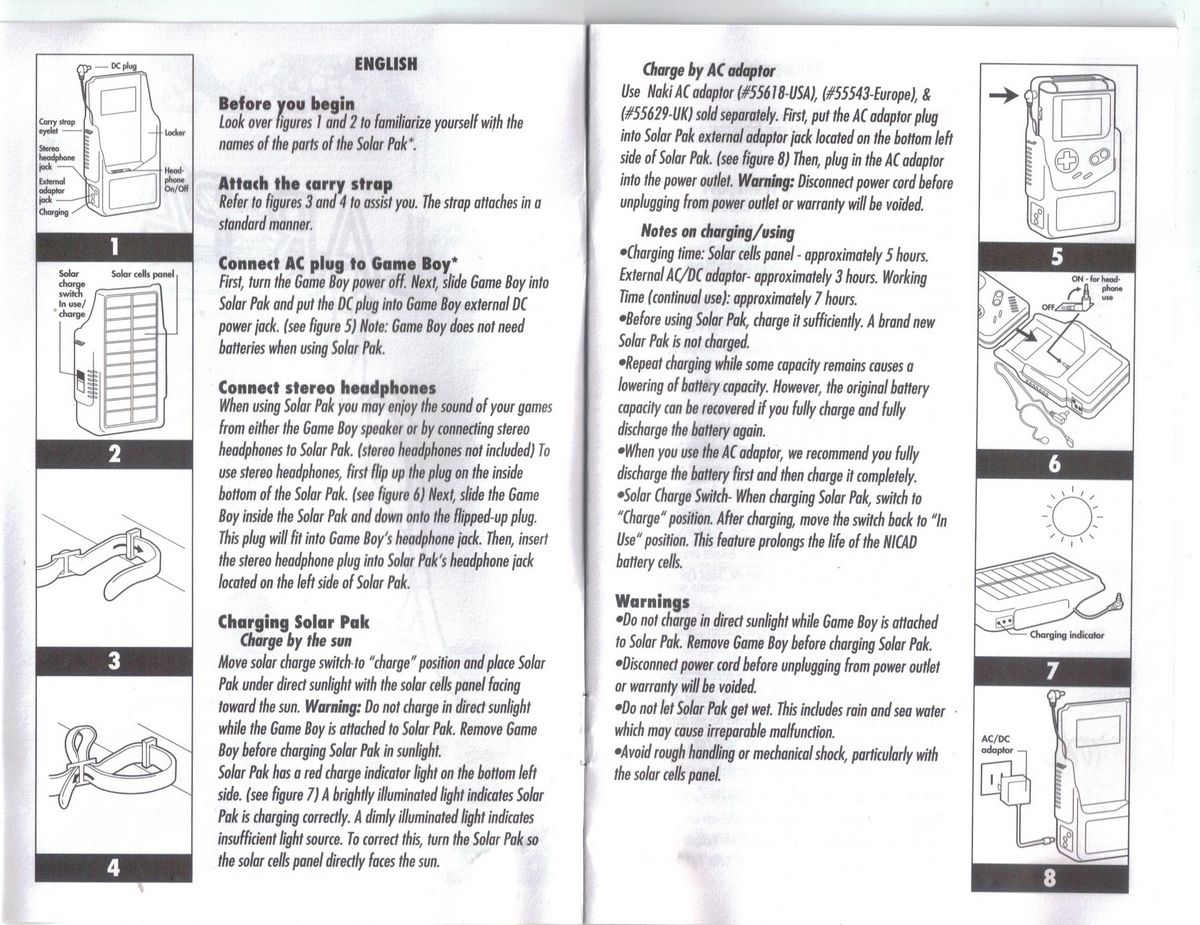
While that may be a cool idea, Naki is way ahead of the game here. Back in 1993, they came up with the Solar-Pak for the Original Game Boy. Talk about a piece of retro gaming history! Solar…green…GAME BOY! How freak’n cool is that?

Let’s do a little product comparison to figure out which solar pack is better:

 Naki Solar-Pak

Novathink Solar Surge

SystemOriginal Nintendo Game BoyiPhone 3G/3GS
Solar PoweredYesYes
Battery500 mAh1,500 mAh
Wrist StrapYesNo
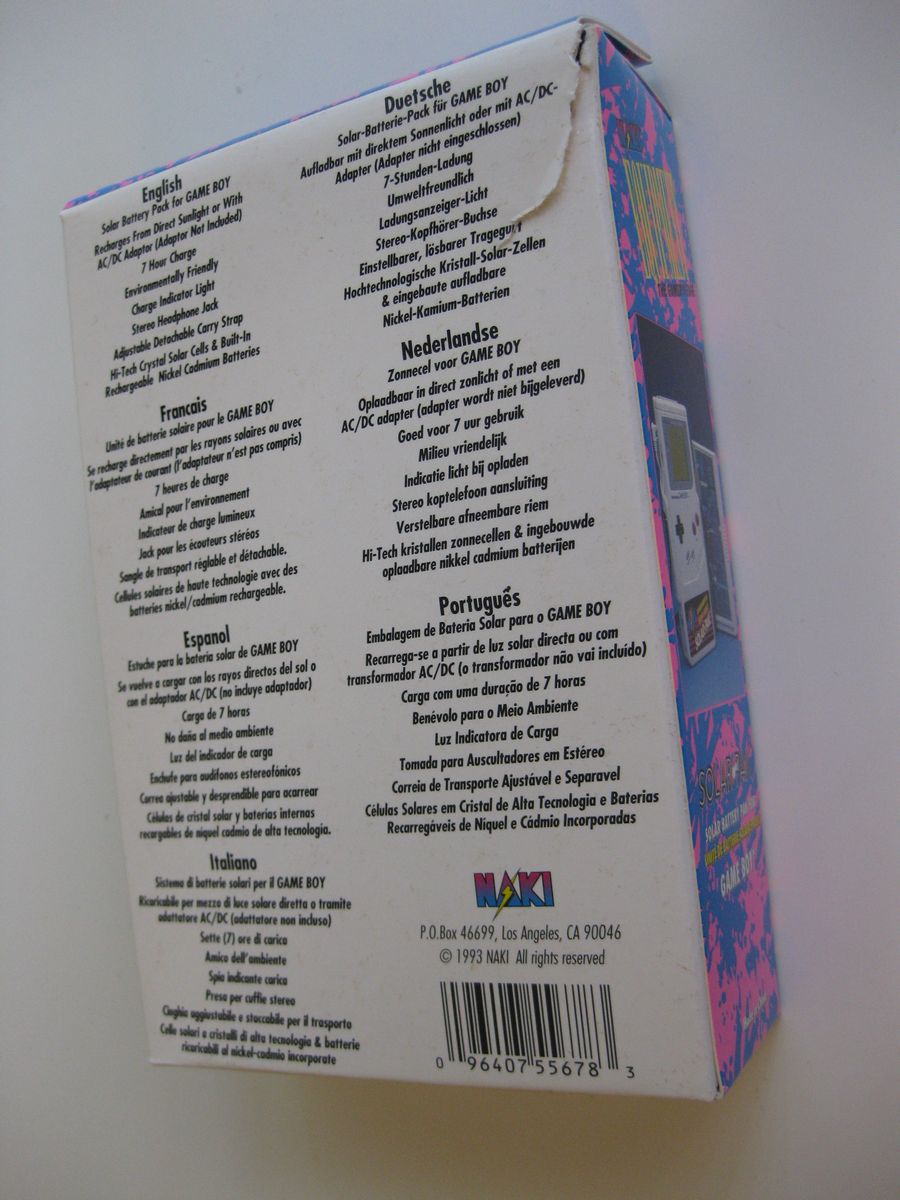
Instructions LanguagesEnglish, Francais, Espa?ol, Deutsche, Nederlandse, Portugues, ItalianoUnspecified
Indoor ChargerNaki AC adaptor (#55618-USA), (#55543-Europe), & (#55629-UK)USB
MotivationExtended Gaming (7 hours!) & Environmental LoveJumping on the iPhone & “Green” Bandwagons
Cool FactorFreak’n 80s RadHipster
Cost>$20 used, >$?? New$69.95

Even without knowing whether or not the Game Boy Solar-Paks works, I’m leaning toward it as the winner. First off, they power an iconic Nintendo gaming system. Secondly, they came out 17 years before the iPhone solar charger. Third, I wouldn’t plug in anything named “Surge” into one of my electronic devices. And finally, there are simply too many other iPhone chargers in existence to justify charging $69.95 for any of them. Thus, the Naki Solar-Pak wins!

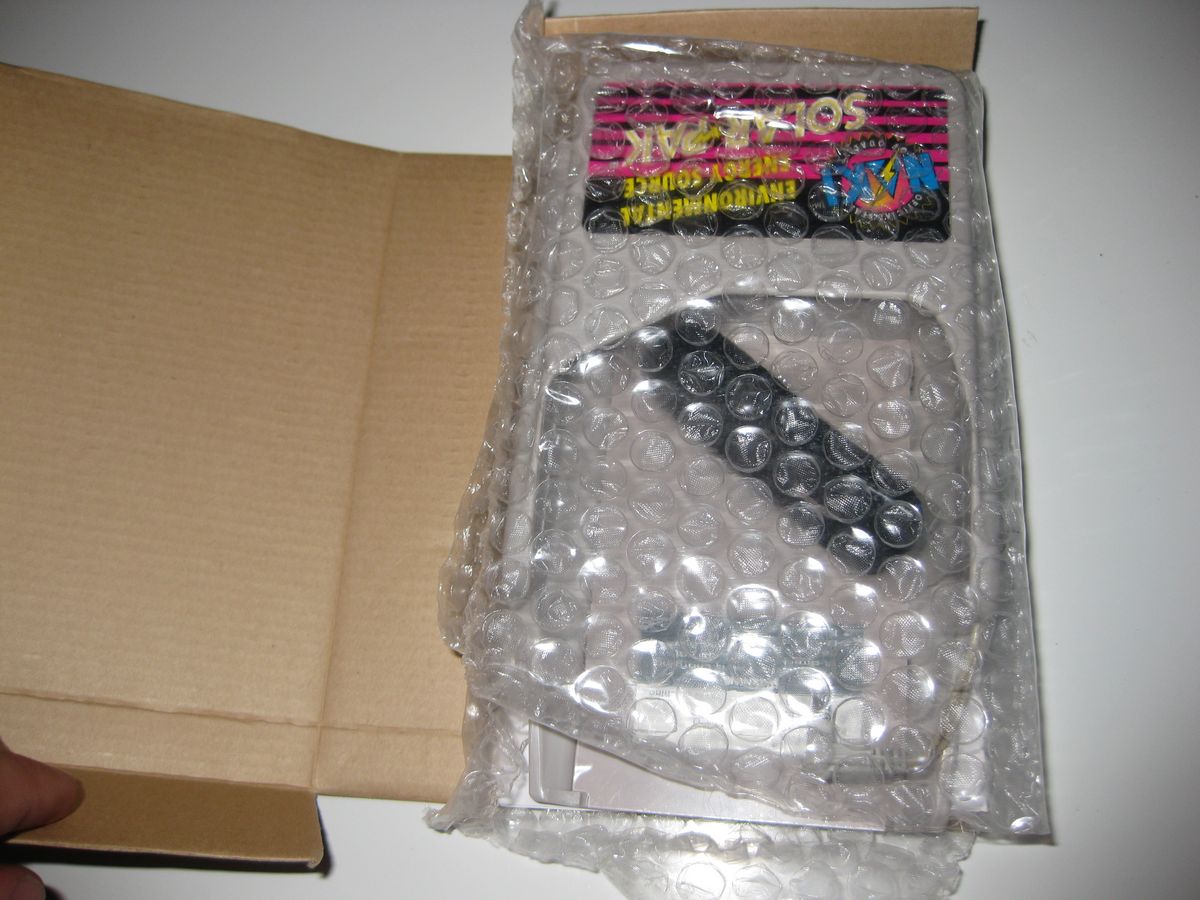
I originally blogged about these Solar-Paks after finding one in October. Since then I came across a guy who had a few boxes of them. As any compulsive collector would, I bought them all on the spot! I’m keeping a bunch of them, and the rest I’ve put up in the Video Game Museum eBay Store.

GamesOgre’s Top 16 iPhone Games for September


1.  WordPop! $0.99
2.  Spider: The Secret of Bryce Manor $2.99
3.  Moonlights$1.99

4.  Tiki Towers $1.99

5.  Lux DLX icon $7.99 or get the free lite version Lux Touch.
6.  Galconicon $4.99
7.  Siberian Strikeicon $1.99
8.  iFightericon $0.99
9.  Ancient Tribeicon $0.99
10. geoDefenseicon $1.99
11. geoDefense Swarmicon $1.99
12. Fieldrunners?$1.99 $2.99

13. Zombieville USAicon $1.99
14. iDracula – Undead Awakeningicon $2.99
15. Wormsicon $4.99
16. Heavy Mach. $0.99icon

I’m an old school gamer. I primarily collect original Nintendo NES & Dreamcast games. Yes, I greatly enjoy my PS3, but there’s something fantastic about old games. They were (and are still) just so pick-up-and-play friendly: Super Mario Bros. 3, Guerilla War, 1943, Toe Jame & Earl, General Chaos, Jackal, Powerstone, Super Off-Road, etc…these games are simple and iconic for being fun and gamer friendly. It’s for that reason I’m so impressed with the iPhone as a gaming device.

Just as the Wii has broken back into the casual gamer market, the iPhone has done the same for casual portable gamers. The games are super pick-up-and-play friendly and are getting more advanced quickly. Graphics are are behind those of the PSP, but ironically, the iPhone is dominating the PSP in game sales. Similarly, the Wii has worse graphics than the 360 and PS3 and still obviously holds it’s own. The phenomenal thing about the iPhone is that games aren’t all being produced by giants with multi-million $ budgets. Little companies and individuals have been making phenomenal games. That certainly puts a smile on my face.

My best guess for the future an Apple gaming console would be that Apple will make their own media center / gaming device and then integrate the iPhone as controllers similar to how Apple’s “Remote” app on the iPhone can control your iTunes on your computer.

Oh yeah, and best part of the Apple gaming revolution is that games don’t cost $60. (Gosh, buy 5 games a year at that rate and you could have bought an iTouch or iPhone!) Give it time hardcore gamers, and they’ll have games that even you won’t snub your noses at. As famous RPGs are currently being ported to the iPhone, some might even argue that such games are already here.

(PS…so the photo above is of my current favorite 16 iPhone games…which I’d like to note have given me countless hours of play time and cost me a total of around $15-20 for all of them.)

iPhone = My Favorite Current Generation Gaming Device

I’m an old school gamer. I primarily collect original Nintendo NES & Dreamcast games. Yes, I greatly enjoy my PS3, but there’s something fantastic about old games. They were (and are still) just so pick-up-and-play friendly: Super Mario Bros. 3, Guerilla War, 1943, Toe Jame & Earl, General Chaos, Jackal, Powerstone, Super Off-Road, etc…these games are simple and iconic for being fun and gamer friendly. It’s for that reason I’m so impressed with the iPhone as a gaming device.

Just as the Wii has broken back into the casual gamer market, the iPhone has done the same for casual portable gamers. The games are super pick-up-and-play friendly and are getting more advanced quickly. Graphics are are behind those of the PSP, but ironically, the iPhone is dominating the PSP in game sales. Similarly, the Wii has worse graphics than the 360 and PS3 and still obviously holds it’s own. The phenomenal thing about the iPhone is that games aren’t all being produced by giants with multi-million $ budgets. Little companies and individuals have been making phenomenal games. That certainly puts a smile on my face.

My best guess for the future an Apple gaming console would be that Apple will make their own media center / gaming device and then integrate the iPhone as controllers similar to how Apple’s “Remote” app on the iPhone can control your iTunes on your computer.

Oh yeah, and best part of the Apple gaming revolution is that games don’t cost $60. (Gosh, buy 5 games a year at that rate and you could have bought an iTouch or iPhone!) Give it time hardcore gamers, and they’ll have games that even you won’t snub your noses at. As famous RPGs are currently being ported to the iPhone, some might even argue that such games are already here.

(PS…so the photo above is of my current favorite 15 iPhone games…which I’d like to note have given me countless hours of play time and cost me a total of around $15-20 for all of them.)

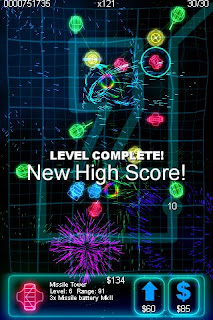
geoDefense — 9.5/10 — iPhone Game Review

Brilliant and beautiful tower defense.? The gameplay and graphics are absolute artistry. At first I wished the game were easier, and this may deter many users. However, I found the challenge to be half of my obsession with this game. I’ve now beaten all but a few of the levels on the default difficulty setting of Hardcore Mode. Best part is, they just released a new batch of levels! I can’t emphasize this enough, if you love tower defense games, you’ve found a brilliant one here.
?

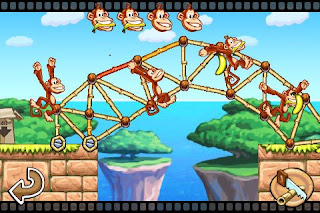
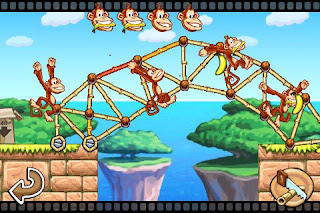
Tiki Towers — 9/10 — iPhone Game Review

Tinkering fun for our inner engineer!

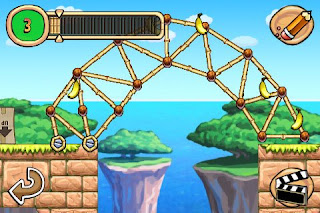
PROS: Quite simply, I’ve had a blast playing this game.  It’s a pocket engineering laboratory that’s semi monkey safe.  Like many of the best iPhone games, Tiki Towers is simple and yet challenging enough to keep me coming back for more. This is certainly one of my top apps. It’s creative, interactive, has great animation. Best part is handing the game to an architect or engineer friend and watching their bridge or tower crumble! Many thanks for this great game!
CONS: I’m not a big fan of the background music, but the sound effects are great! I’d like to see an option to turn off the rumble/vibration feature, which feels a bit overused by the game.
MAYBE: I finished the game pretty quickly with the built it and get 5 bananas in every level challenge accomplished. That being said, there are quite a few levels. And once I finished everything, an Econo mode was unlocked which further limited the number of pieces of bamboo for completeing various challenges.


iFighter — 8/10 — iPhone Game Review

iPhone + 1943 8-bit Memories = iFighter
The Good: Talk about retro fun. It’s as close to a modernized version of the old 8-bit 1942 (or 1943) as you can come! The graphics are simple, sharp, and smooth. The audio is quite well done. And, I can’t say enough how much I appreciate having 3 control options. And, amazingly, the tilt controls are my favorite.
The Bad: None so far. Gameplay is a bit difficult. Additionally, the gameplay pace could receive a bit more excitement from new weapon upgrades. A similar game, Siberian Strike does a better job maintaining such pace. Hopefully the two can learn from one another, because both are solid games.
Overall: Wooh well done!